How to Summarize a Webinar: Translate and Recap It in Minutes
Publicado em Oct 9, 2026
Índice
To summarize a webinar, you do not need to watch the whole thing again: take the recording or transcript, translate it into the language you know best, then ask AI to pull out the key points and next steps. This guide is for professionals, students and online learners who often join English webinars: you catch the general idea, but you cannot keep up with the speaker, and you do not have two hours to rewatch. You will get a simple 3-step routine (before, during and after the webinar), a comparison table of your options, and some tips on using AI tools where they actually help.
Key Takeaways
- A webinar is harder than a regular video because the speaker talks without pause, slides change fast, and you rarely get time to stop and look up a word.
- ON24, a major webinar platform, reports in its 2026 benchmarks that about half of attendees watch webinars on demand. So watching a recording later is normal, not an exception.
- The leanest routine: check beforehand whether a recording and captions exist, follow the main idea while you watch, then use the transcript and a summary to lock in the key points afterwards.
- AI translation and summaries save time on everyday content. For legal, medical or important technical content, check against the original materials or ask an expert.
- Tengos offers real-time translation across 60 languages, AI Meeting Summary and Import Audio. The Free plan gives you 120 minutes a month, no credit card needed.
Why is watching a webinar in a second language so tiring?
When you read an English article, you can pause and look up a word. A webinar is different: the speaker talks nonstop for 45 to 60 minutes, changes slides as they go, and now and then drops names, tool names and abbreviations you may not know. Miss one idea and you can easily lose the thread of the next section.
This is more common than you might think. ON24’s 2026 Webinar Benchmarks report says on-demand viewing makes up about half of attendees (ON24, 2026). The report does not say how many webinars it analyzed, and some numbers in the same article do not quite match each other, so treat this as a general trend, not an exact figure. The takeaway is still clear: many people do not watch a webinar live from start to finish. They watch it later.
If you can use English but are not fully fluent, rewatching matters even more: the first time you get the main idea, the second time you get the details. The problem is that rewatching a full session takes twice the time.
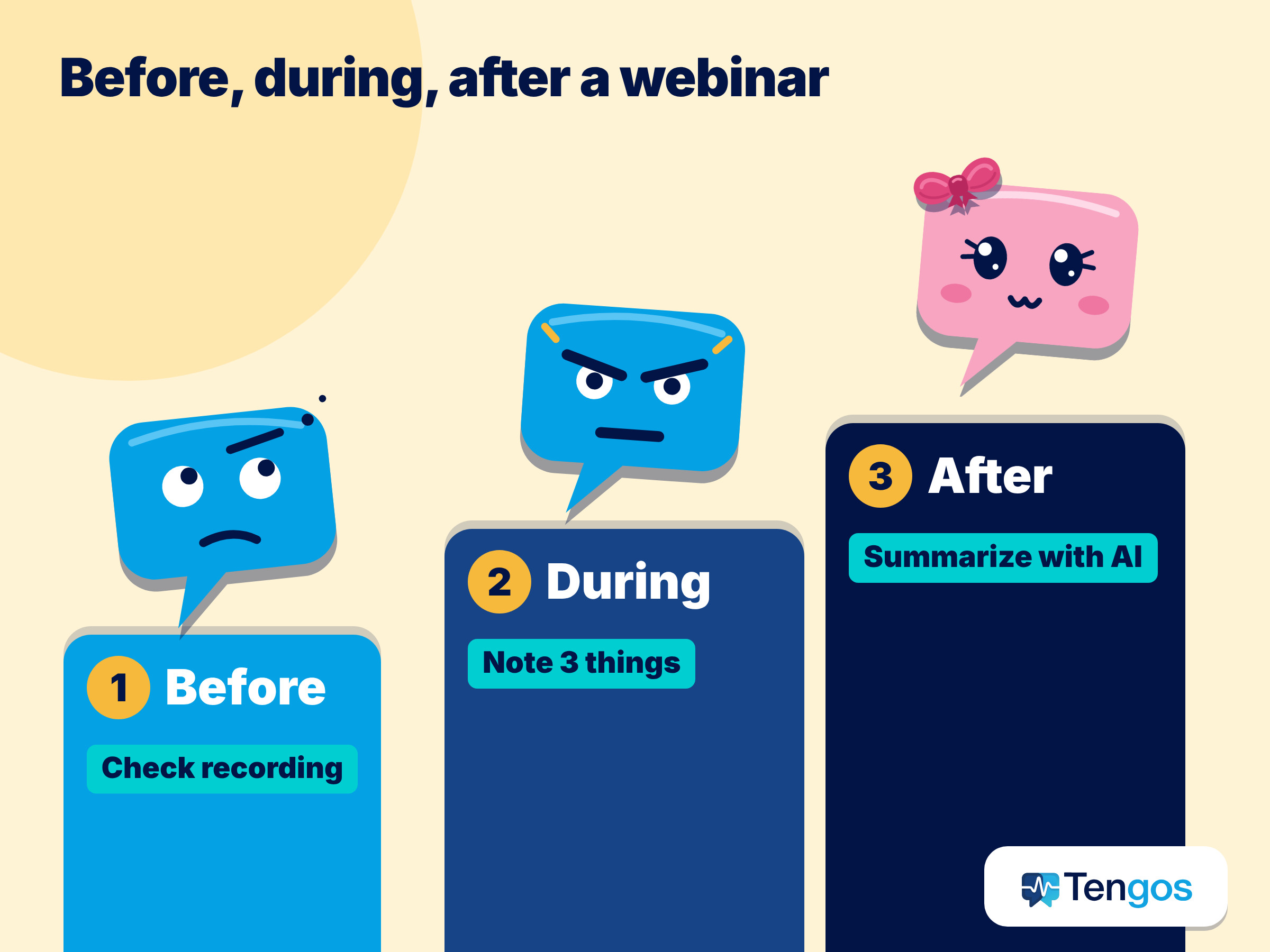
Before the webinar: 2 things to do
1. Check whether the webinar has a recording and captions. On the registration page or in the confirmation email, organizers usually say whether they will send a recording afterwards and whether automatic captions are on. If yes, you can relax: you do not need to write down everything while you watch. If it is unclear, message the organizers. One short question is enough.
2. Skim the description and list 5 to 8 key terms. The webinar description and the speaker bio often mention the main concepts. Look up these terms before the session starts, and you will not fall behind when the speaker uses them.
During the webinar: follow the idea, do not copy every sentence
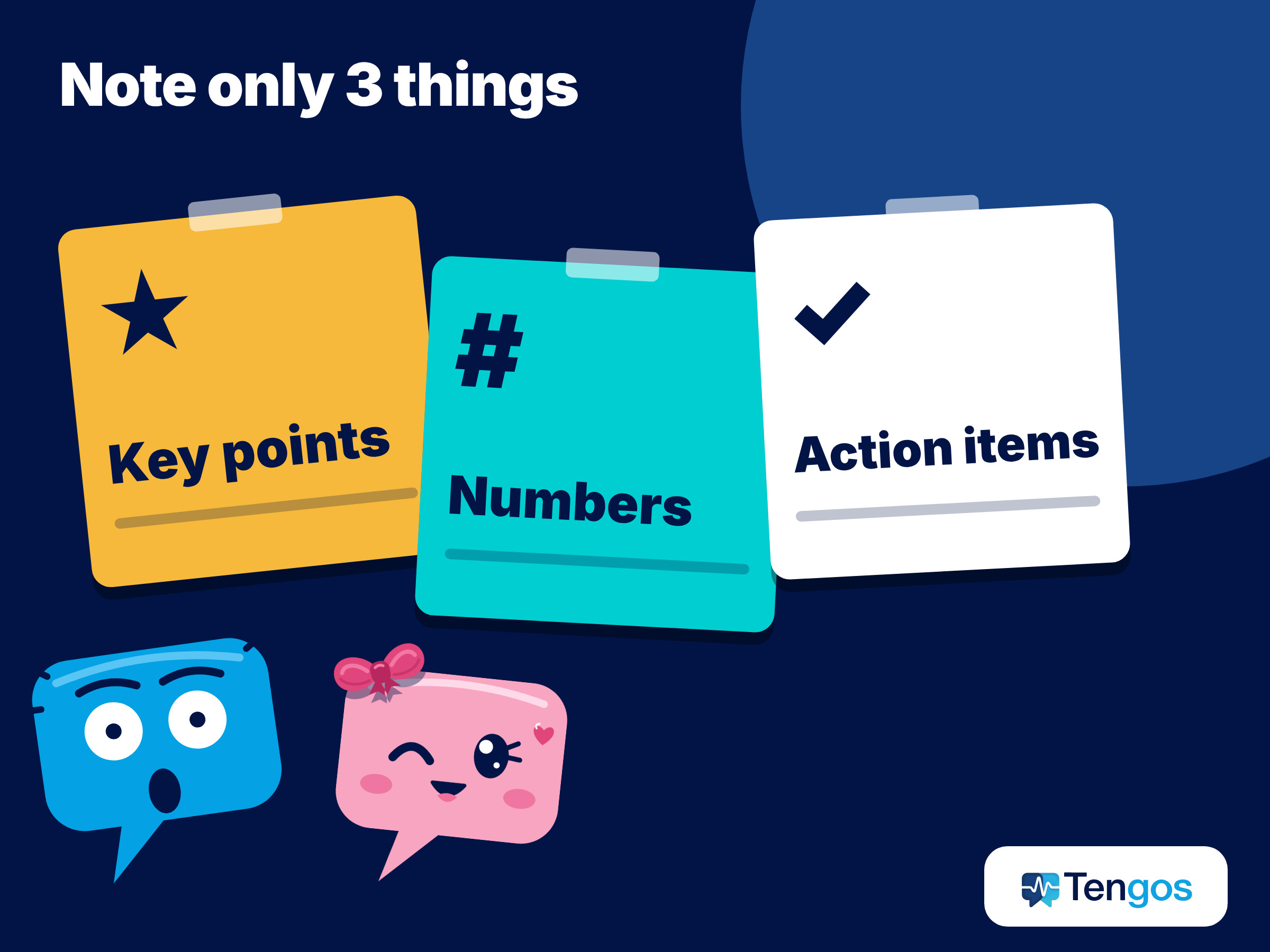
3. Note only three things: key points, numbers and action items. Each time the speaker changes slides, write one line: “what this slide says”. Copy numbers and proper names exactly. You can get everything else from the recording later.
4. Mark the parts you did not understand with timestamps. If the webinar is recorded, a note like “23:40, pricing section” is enough. You do not have to stop right away, and when you rewatch, you know exactly which part to replay.
5. Ask a question in the Q&A if there is one. A short question in simple English is fine, even if you do not feel confident. Many webinars let you send questions through a chat box, so you have time to write yours first.
After the webinar: how to summarize a webinar from the recording
6. Get the transcript, or import the audio file into a transcription tool. This is the biggest time saver. Instead of rewatching 60 minutes, you read the transcript in a few minutes and replay only the important parts.
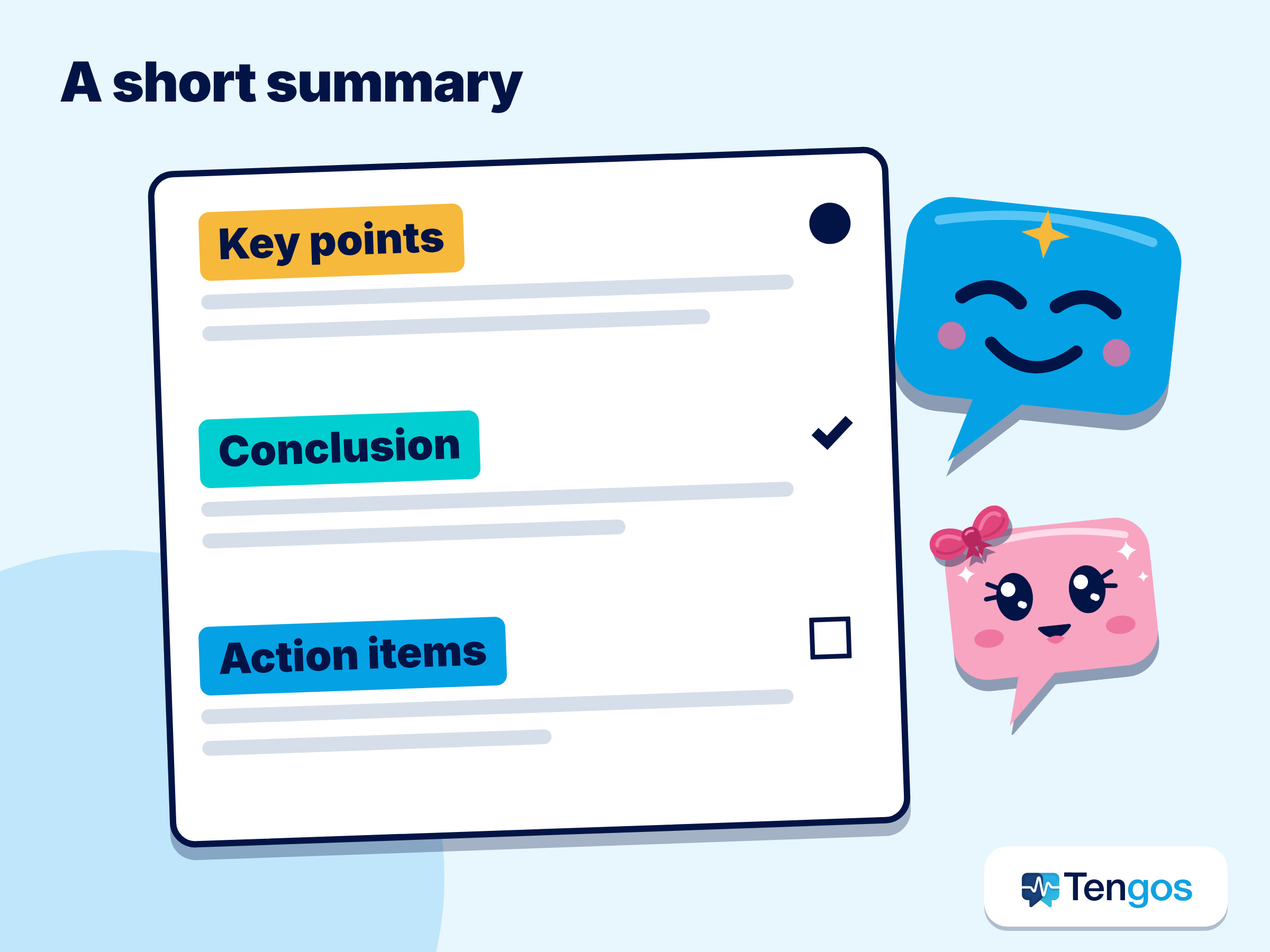
7. Translate it into your own language and ask AI to summarize it. A good summary has three parts: the main points, the decisions or conclusions, and the next steps. Skim it to make sure it matches what you remember, then double-check the numbers and names.
Can you fully trust AI translation and summaries?
The short answer: trust them as a support, and check the parts that matter. A Translators USA article (April 2, 2026) says AI can be useful in low-risk situations or as a supplement, but automatic captions often struggle with proper names, abbreviations, industry terms and strong accents (Translators USA). For legal, medical or technical content, the article still recommends a qualified interpreter.
For everyday webinar watching, this works out simply: if the webinar shares knowledge, market analysis or a tool walkthrough, AI is enough to help you grasp the content. If you plan to make an important decision based on what you heard, check it against the slides, the original documents, or ask the organizers directly.
Comparing ways to follow a webinar in a language you are still learning
| Approach | Understand it live | Recording or notes to review | Best when |
|---|---|---|---|
| Listen and take handwritten notes | Partly, depending on your listening level | Only your own notes | Short webinar, familiar topic |
| Rewatch the organizer’s recording | No (you watch after the session) | Yes, often with English captions | The organizer sends a recording |
| The platform’s automatic captions | Yes, but usually only in the original language | Depends on the platform | You read English better than you listen |
| A tool with translation, transcript and summary | Yes, with a translation into your language | Yes, a transcript and a summary | Long webinar, many terms, quick notes needed |
No single approach is perfect for every session. For a short, familiar webinar, handwritten notes are enough. For a long one, with lots of numbers or a fast speaker, it is worth adding one more layer of support.
How can Tengos help when you watch a webinar in a second language?
Tengos is an app with real-time translation across 60 languages and AI Meeting Summary. For webinars, there are two main ways to use it. When you watch live, you read the translation as the speaker talks. When you already have an audio file after the session, you use Import Audio to get a transcript, a translation and a summary, then export the files in formats such as SRT, VTT, MD or TXT (Universal Export). The Glossary feature lets you add your field’s own terms so translations stay more consistent.
If you often watch webinars in your browser, Tengos also has a Chrome extension. Read the description on the extension page to see which sites and uses are supported, then test it on a short session before you rely on it for an important one.
The Free plan gives you 120 minutes a month, no credit card needed, enough to try a few short recordings. The limit on how long each recording can be, and how well long webinars fit, depends on the plan, so check the terms and limits of each plan on the pricing page. You can install the app for iOS on the App Store or Android on Google Play.
One note: a tool helps you keep up with the content, but it cannot replace an interpreter in sessions that demand high accuracy. If the webinar covers legal, medical or financial matters that affect you personally, confirm with a qualified professional.
If you also join online meetings in English, our post on following English meetings when English is your second language has some similar techniques.
Frequently Asked Questions
What is the fastest way to summarize a webinar?
Take the recording or audio file of the webinar, put it into a transcription tool to get a transcript, then ask AI to summarize it into key points, conclusions and action items. After that, skim the result and check the numbers and names against the slides.
Can I summarize a webinar I did not attend live?
Yes, if the organizer sends a recording or lets you watch it again. Check the webinar’s rules before you record or share a recording, and use it only for your own needs unless you have other permission.
Is a webinar translation accurate?
Accurate enough to follow everyday content, but industry terms, proper names and numbers should be double-checked. Adding terms to the Glossary helps keep translations consistent.
Does Tengos work for webinars on Zoom or YouTube?
Tengos translates and transcribes in real time in the app, and it has a Chrome extension. The exact support for each platform is listed in the extension description and in the app, so try a short session first.
Is the Free plan enough for one webinar?
The Free plan has 120 minutes a month, no credit card needed. The maximum length of each recording differs by plan, so for long webinars or regular use, check the pricing page before you decide.
Sources
- ON24 (2026). Key Takeaways from the 2026 Webinar Benchmarks Report.
- Translators USA (April 2, 2026). Conference language access trends.
- Tengos product information: pricing page and real-time translation page.