Language Learning with YouTube and Podcasts: Live Transcript and Translation
Published on Nov 12, 2026

Table of Contents
Language learning with YouTube works best when you can see and understand what you hear. This guide shows a simple method that uses live transcripts, translation and a short review step.
Key Takeaways
- Language learning with YouTube and podcasts gives you endless real-world listening, but raw audio is hard to learn from without support.
- A transcript turns fast speech into text you can pause on, and a translation tells you what you missed, so you can keep going instead of giving up.
- Research on captioned video suggests captions help learners recognise word forms, but they are not magic: you still need to review and reuse the words.
- Use a simple loop: listen first, read the transcript, check the translation, then replay without help.
- Tengos offers real-time speech transcription and real-time text translation across 60+ languages, on iOS, Android and a Chrome extension, which makes the loop easier to run on the content you already enjoy.
Why does language learning with YouTube and podcasts work so well?
Textbook dialogues are slow, clean and a little artificial. Real speakers are not. They interrupt each other, use slang, swallow word endings and jump between topics. YouTube and podcasts put that real speech in your pocket for free, in almost every topic you could care about: cooking, football, finance, anime, startups, history.
There is also a motivation effect. You are far more likely to keep listening to a channel about something you love than to a graded reader about “At the Airport”. Consistency matters more than any single session, and interest is what keeps people showing up.
Linguists have a name for the useful part of this. Stephen Krashen’s input hypothesis argues that we acquire language by understanding input that is slightly beyond our current level, often written “i+1”. The theory has real critics, who point out that it is hard to test and that it plays down the role of speaking and interaction. You do not have to accept all of it to take the practical lesson: content you can mostly understand, with a few new things in it, is the sweet spot.
The problem is that most native-speed YouTube videos and podcasts are far above “i+1” for a beginner. That is where transcripts and translation come in.
What is the problem with learning from raw audio?
Three things go wrong when you press play on a native video and hope for the best.
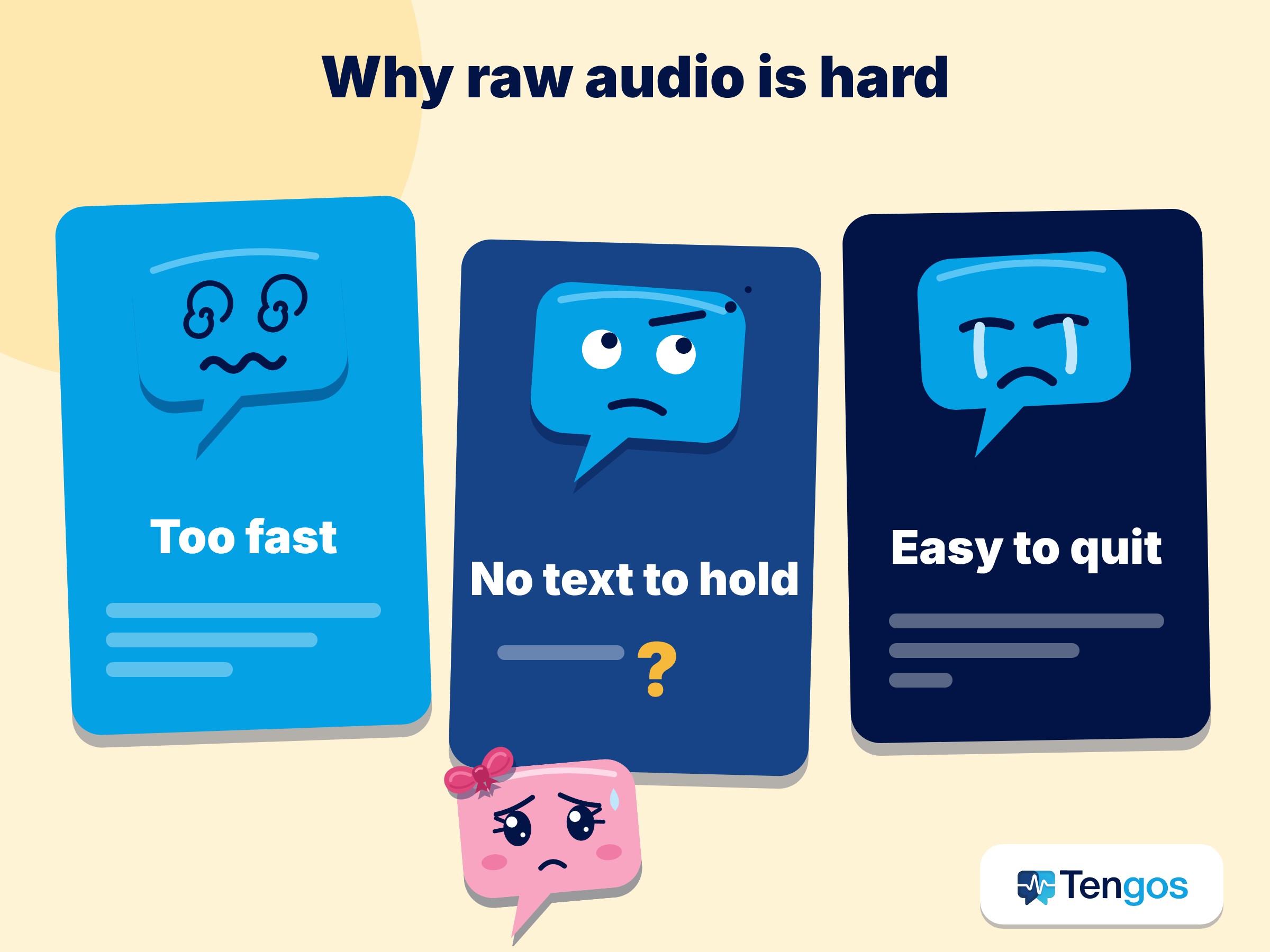
- Speed. Native speakers talk quickly, and words blur together. You cannot tell where one word ends and the next begins, so you cannot look anything up.
- No anchor. Without text, you cannot see how a word is spelled, which makes dictionary lookups and note-taking almost impossible.
- Discouragement. If you understand 20% of what you hear, it feels like noise. Many learners quit at this stage and conclude the method does not work.
A transcript fixes the first two. A translation helps with the third by closing the gap between what you heard and what was meant.
What do captions and transcripts actually do for learners?
It is worth being honest about the evidence. A study by Maribel Montero Perez and colleagues, published in Language Learning & Technology in 2014, tested learners of French watching video clips. Captions improved learners’ recognition of target word forms and their ability to connect words with the right clip, compared with watching without captions. They did not, however, improve overall comprehension of the clips or recall of word meanings in that experiment.
The practical reading of that result: captions help you notice and recognise words, which is a real and valuable first step, but they do not replace review. If you only watch with captions on and never revisit the words, you should not expect them to stick. This is why the method below includes a replay step and a short review step.
How do you get a transcript from YouTube and podcasts?
Both platforms already offer help, with limits worth knowing.
YouTube. YouTube generates automatic captions for many long videos and Shorts. According to YouTube’s Help Center, the captions are produced by machine learning, so quality varies, and mispronunciations, accents, dialects and background noise can cause errors. They may also not be available straight after upload, or at all if the audio is poor or several languages are spoken at once. For learning, this means the auto captions are a good start but occasionally wrong, so treat odd phrases with some suspicion.
Apple Podcasts. Apple introduced transcripts for Apple Podcasts in March 2024 with iOS 17.4. Words are highlighted as the episode plays, you can search for a word or phrase, and tapping the text jumps to that moment. Apple’s support guide notes that a transcript is only available when one exists for the episode, and availability may vary by language and region.
Spotify. Spotify’s creator help page explains that listeners see transcripts in the Now Playing view and on episode pages in the mobile app. Only some shows have them, and they sync during playback only if the transcript includes timestamps.
So platform transcripts are useful, but they are not universal, they are not always in the language you are studying, and they rarely come with a translation you can read at the same time. That gap is where a dedicated tool helps.
How does live transcript and translation help?
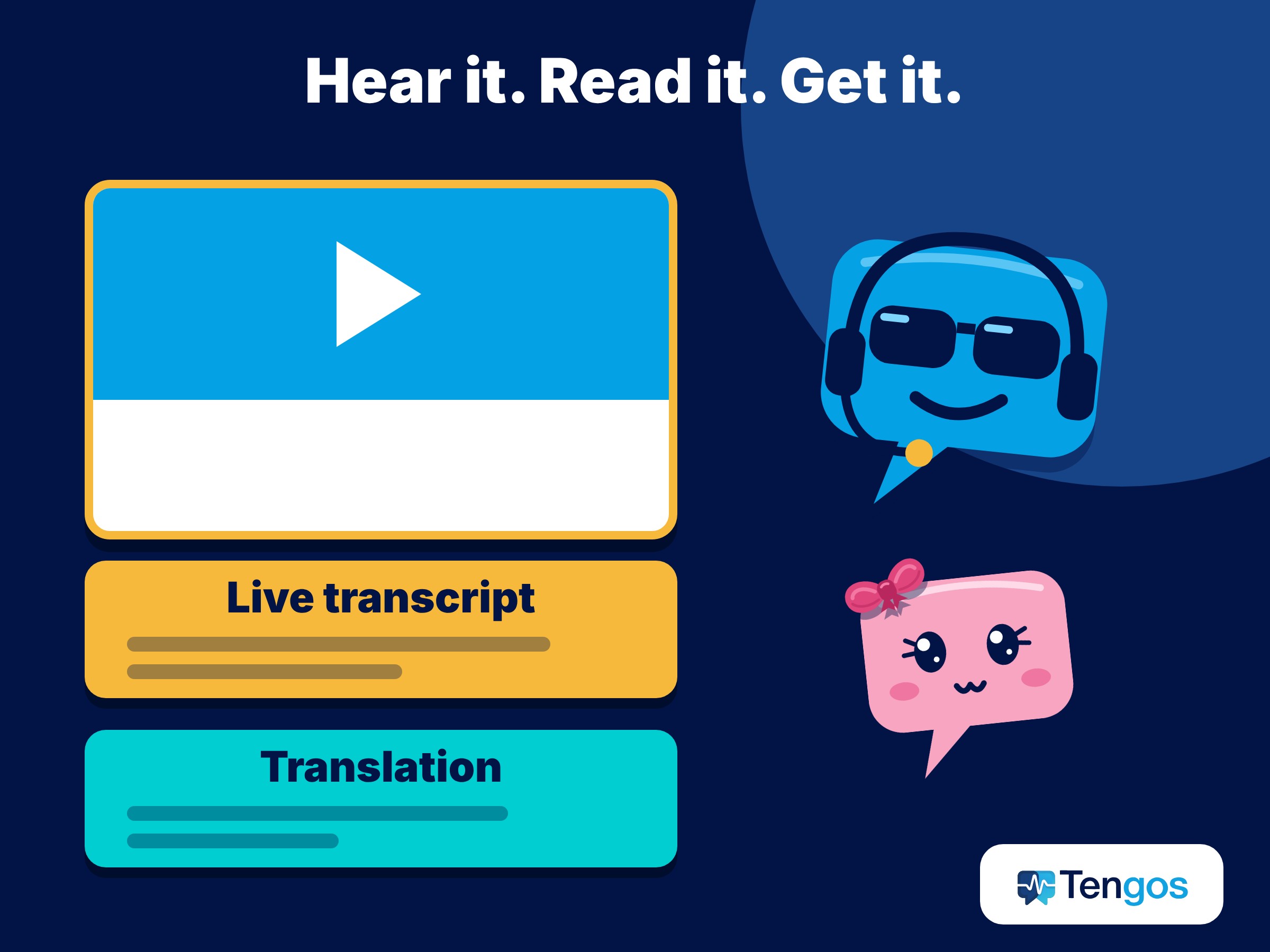
A live transcript turns speech into text as it happens. Live translation adds a second line in your own language. Together, they give you the two things that matter most when you are still building comprehension: you can see the words you are hearing, and you can check what they mean without leaving the flow.
Compare the experiences.
| Approach | You can see the words | You can check meaning | Works on any audio | Effort |
|---|---|---|---|---|
| Raw audio only | No | No | Yes | Low, but frustrating |
| Platform captions only | Sometimes | No | No, depends on the platform | Low |
| Captions plus a separate translator app | Sometimes | Yes, by copy and paste | Partly | High, you keep switching apps |
| Live transcript with translation | Yes | Yes, on the same screen | Yes | Low |
The point is not that one row is “right”. It is that every extra switch between apps is a chance to lose focus. The closer the text and the meaning sit to the audio, the longer you stay with it.
How can Tengos fit into this workflow?
Tengos is an AI assistant for real-time speech transcription and translation, and the same engine also powers live meeting translation. Based on what its pricing page states, it supports 60+ languages on every plan, offers real-time speech transcription and real-time text translation, and is available as an iOS app, an Android app and a Chrome extension. It also accepts uploaded audio and video files for processing. The Free plan includes 120 minutes per month and 5 file uploads per month, and the page advertises a 50% education discount. Please check the page for current plan details, since plans can change.
For a learner, that suggests two simple ways to use it:
- Live, while you listen. Start a session, play your podcast or video, and read the live transcript with the translation underneath.
- After the fact, from a file. If you have a recording, such as a lecture or interview you are allowed to use, upload it and study the transcript and translation at your own pace.
Higher plans add features that are helpful for serious study. The pricing page lists custom translation and transcript terms (50 on Starter, 200 on Pro, 500 on Max), which is a handy way to keep the specialist vocabulary of your field consistent.
Two honest notes. First, speech recognition is never perfect, in any tool, so check anything that looks odd, especially names and technical terms. Second, only use recordings you have the right to use, and follow the terms of the platform where the content lives.
What is a simple method for language learning with YouTube?
Here is a four-step loop for language learning with YouTube that you can run in 15 to 20 minutes with a clip of two to five minutes. It is an illustration of a routine, not a guarantee of results.
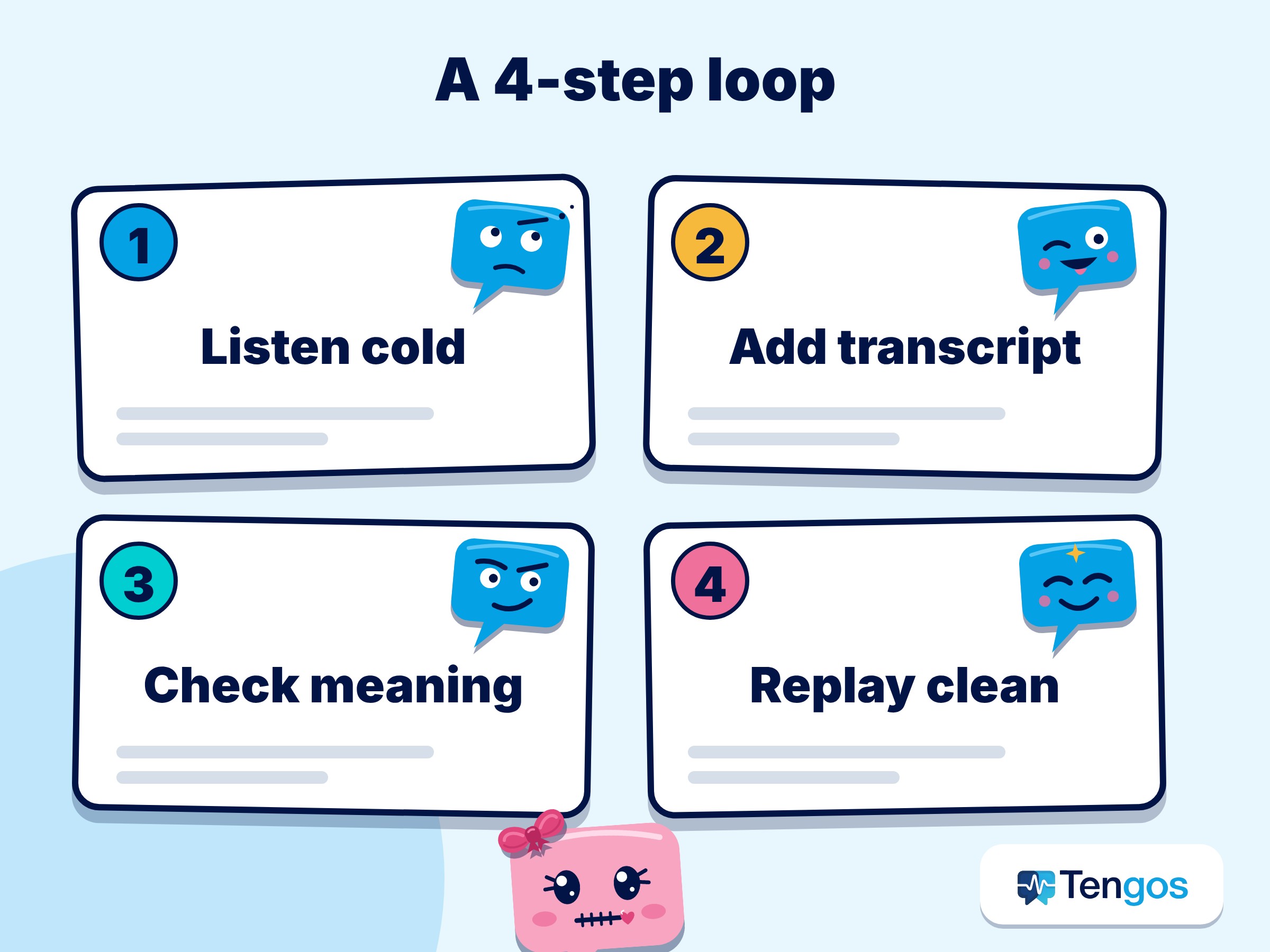
Step 1: Listen cold. Play the clip once with no help. Write down in one sentence what you think it is about. This builds the habit of listening for gist and shows you your starting point.
Step 2: Listen with the transcript. Play it again with the live transcript on screen. Pause whenever a sentence goes by too fast. Underline or note five to eight words or phrases you did not know.
Step 3: Check the translation. Read the translation for the sentences that confused you. Do not translate everything. Only look when you are stuck, so your brain does the work first.
Step 4: Replay without help. Play the clip a final time with the text hidden. Notice how much more you catch. Then add your five to eight words to a flashcard app or notebook, with the full sentence as context.
An illustrative example, not a real learner’s result: imagine a Spanish learner watching a three-minute cooking video. On the first pass, they catch “cebolla” and “fuego” and little else. With the transcript they spot “a fuego lento” (on low heat) and “darle la vuelta” (to flip it). After checking the translation for two confusing sentences, they replay the clip and recognise those phrases when they hear them. That is the loop working: heard, seen, understood, heard again.
How do you choose the right content?
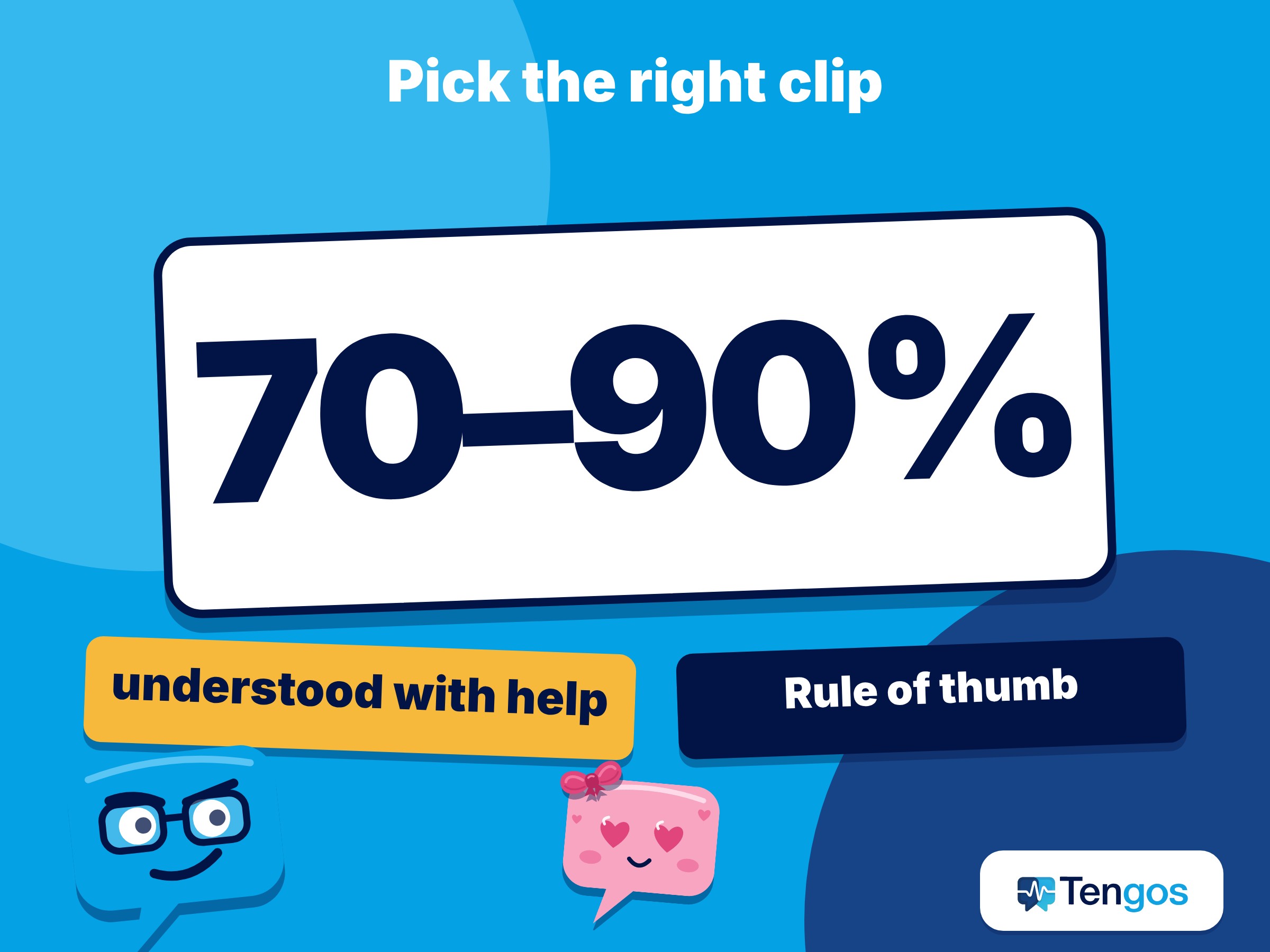
For language learning with YouTube, the best clip is one where you can understand roughly 70 to 90 percent with help. That is a rule of thumb, not a scientific threshold. Practical tips:
- Match your level. The Council of Europe’s CEFR levels run from A1 to C2. If you are around A2 or B1, look for channels made for learners or slow, clear speakers first.
- Prefer one speaker. Interviews with several people talking over each other are harder, for you and for speech recognition.
- Pick short clips. Two to five minutes is plenty. Finishing a short clip builds momentum.
- Choose topics you know. If you already understand the subject, new words are easier to guess from context.
- Repeat favourites. Re-watching a clip you enjoy is not wasted time. Familiar content lets you notice details you missed.
What mistakes should you avoid in language learning with YouTube?
- Translating every line. If you read the translation first, you stop listening. Always try the original first.
- Never turning the help off. Captions are training wheels. Make the final replay unassisted.
- Collecting words without reviewing them. A list you never read does nothing. Spend five minutes at the end of each session on review.
- Trusting auto captions blindly. Names, slang and jargon are the usual error spots. If something looks strange, search for it before memorising it.
- Doing only passive listening. Input is the engine, but speaking, shadowing and writing a sentence or two will turn recognition into use.
Can you use this for any language?
In principle, yes, as long as the tool supports the language you are studying and the language you want the translation in. Tengos lists 60+ supported languages, but accuracy differs between languages, accents and audio conditions, so test with a short clip before building a whole routine around it.
Language learning with YouTube can work for any language, as long as the tool supports both your target language and the language you want the translation in.
Frequently Asked Questions
Is it cheating to read the transcript or translation?
No. Reading while listening is a well-used learning technique. The aim is to move toward understanding without help, so reduce the support as you improve.
Do captions really help me learn?
They help with recognising word forms, according to the study cited above, but they did not improve comprehension or word-meaning recall in that experiment. Pair them with review and replay.
Can I use this for podcasts without a transcript?
Yes, if you use a tool that creates a live transcript from the audio. Platform transcripts depend on the creator or the platform, so they are not always there.
How many minutes a day should I practise?
There is no single right number. Fifteen to twenty minutes of focused work, five days a week, is a reasonable starting point that many learners can sustain.
Is Tengos free to try?
Its pricing page lists a Free plan with 120 minutes per month. Check the page for the latest limits and plans.
Final thoughts
YouTube and podcasts are probably the biggest free language lab ever built. The hard part is not finding content but understanding enough of it to keep going. A live transcript shows you the words, a translation fills in the meaning, and a short replay-and-review loop turns exposure into memory. Start with one short clip today, run the four steps, and see how much more you catch the second time. If you would like to try the live transcript and translation side of this routine, you can explore Tengos at tengos.ai.
Language learning with YouTube gets easier as soon as the words are on screen. Start with one short clip today.