Review Your English Job Interview with a Transcript: Record, Read, Improve
Published on Oct 13, 2026
Table of Contents
The most effective way to review an English job interview is to ask permission to record it, get a transcript, read each question next to your answer, and then pick three things to fix before the next round. This post is for job seekers interviewing at international companies or English-speaking teams who understood the gist in the moment but can’t say afterward exactly what the interviewer asked or how they answered. You’ll get a polite way to ask to record, a five-step transcript review, a comparison of your options, and a few cautions for using AI the right way.
Key Takeaways
- After a stressful interview in English, memory drifts. A recording or transcript lets you check the actual questions and your actual answers instead of guessing.
- Ask before you record. Google Meet notifies participants when a recording starts, and Microsoft Teams says that depending on your region you may need everyone’s permission.
- The workflow is simple: jot down the questions right after, get a transcript, pair each question with your answer, compare against the STAR method, and write down 3 fixes.
- If the interviewer says no to recording, you still have a fallback: write down 5 questions and your main points within 15 minutes of the call.
- Tengos offers Import Audio, transcripts, translation across 60 languages, and AI Meeting Summary. The Free plan includes 120 minutes per month and needs no credit card.
Why Review an English Job Interview at All?
Sitting an English job interview in a second language is hard because you’re listening, thinking, and speaking all at once. Questions fly by, and your attention goes to finding the right words, so some details only half register. By the time you close the video call, you usually remember how it felt (“I think it went okay”) better than what was actually said.
Reviewing your English job interview lets you answer three questions that gut feeling can’t. Did you understand the question correctly? Did your answer get to the point? And where did you hesitate, repeat yourself, or reach for the wrong word? It’s the fastest way to prepare for your next English job interview, because you’re fixing the exact spots where you stumbled instead of working through a generic list of practice questions.
Before the Interview: How to Ask to Record Politely
The first step isn’t about tools. It’s about manners. Ask in advance, ideally in the email confirming the time or right at the start of the call. One short sentence is enough:
“Would you mind if I record this call for my own review afterwards? I’ll keep it private.”
A few platform rules are worth knowing. Google Meet says participants get a notification when a recording starts or stops (Google Meet Help). Microsoft Teams says everyone is notified automatically when you start recording a meeting, and that depending on your region, you may need everyone’s permission before you record (Microsoft Teams support). On both platforms, the ability to start a recording also depends on your role. It’s usually the meeting organizer, and guests from outside the organization may not be able to record at all. So don’t assume you can just hit the record button yourself.
If the interviewer declines, respect that and use the handwritten-notes approach below. Don’t record secretly. You could break the rules, and you’d lose goodwill fast if anyone noticed.
Right After the Interview: The 15 Minutes That Matter Most
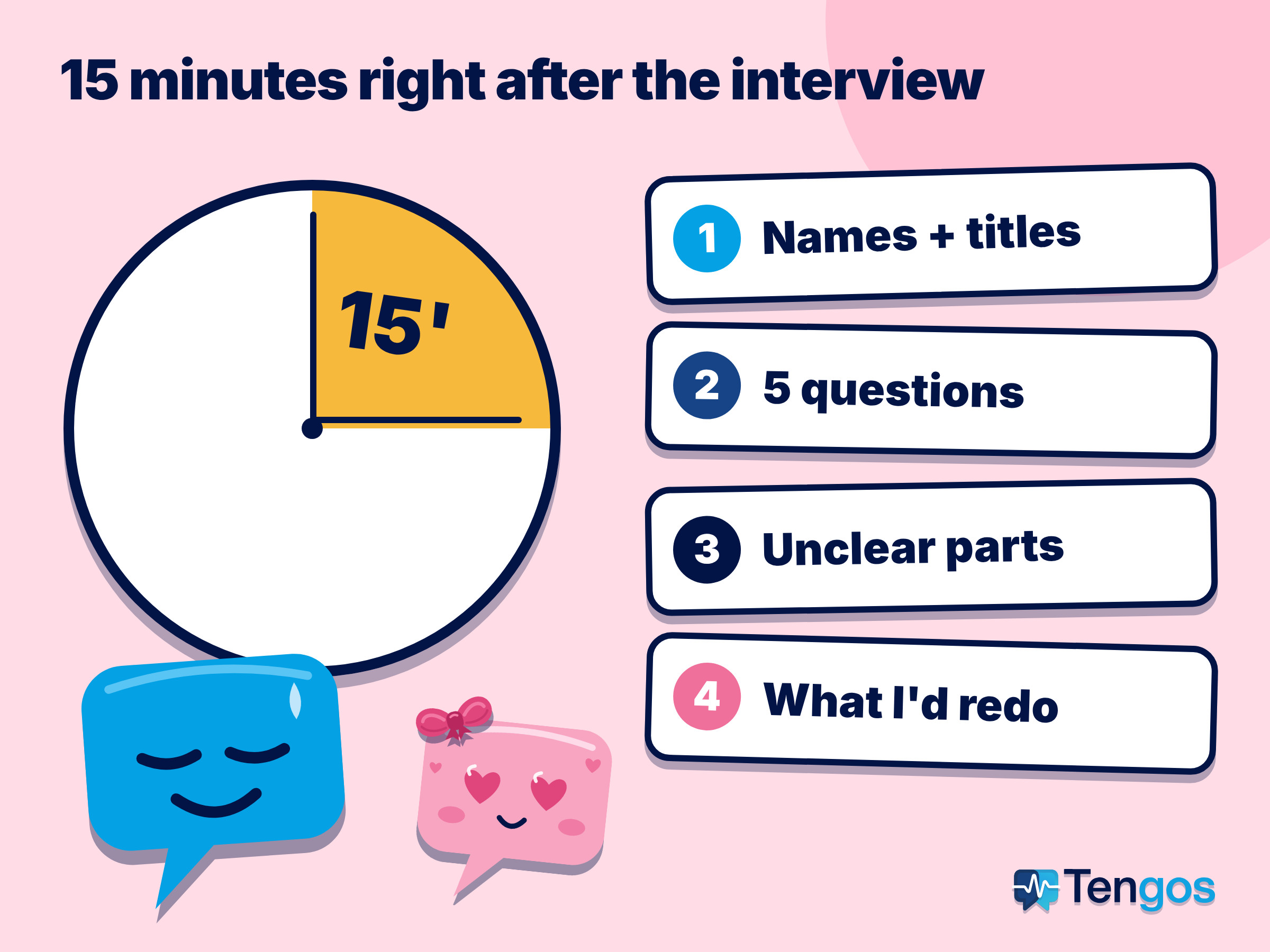
After any English job interview, whether or not you recorded, spend the first 15 minutes writing down what your memory will lose quickly:
- The interviewer’s name, job title, and the date and time.
- The 5 questions you remember best, as close to word for word as you can, in English.
- Any question you didn’t fully catch or had to ask them to repeat.
- Which answers felt strong, and which ones you’d like to redo.
If you couldn’t record, this list is your record. If you did, it’s a cross-check that shows you where your memory differs from the real thing.
How to Review Your English Job Interview with a Transcript in 5 Steps
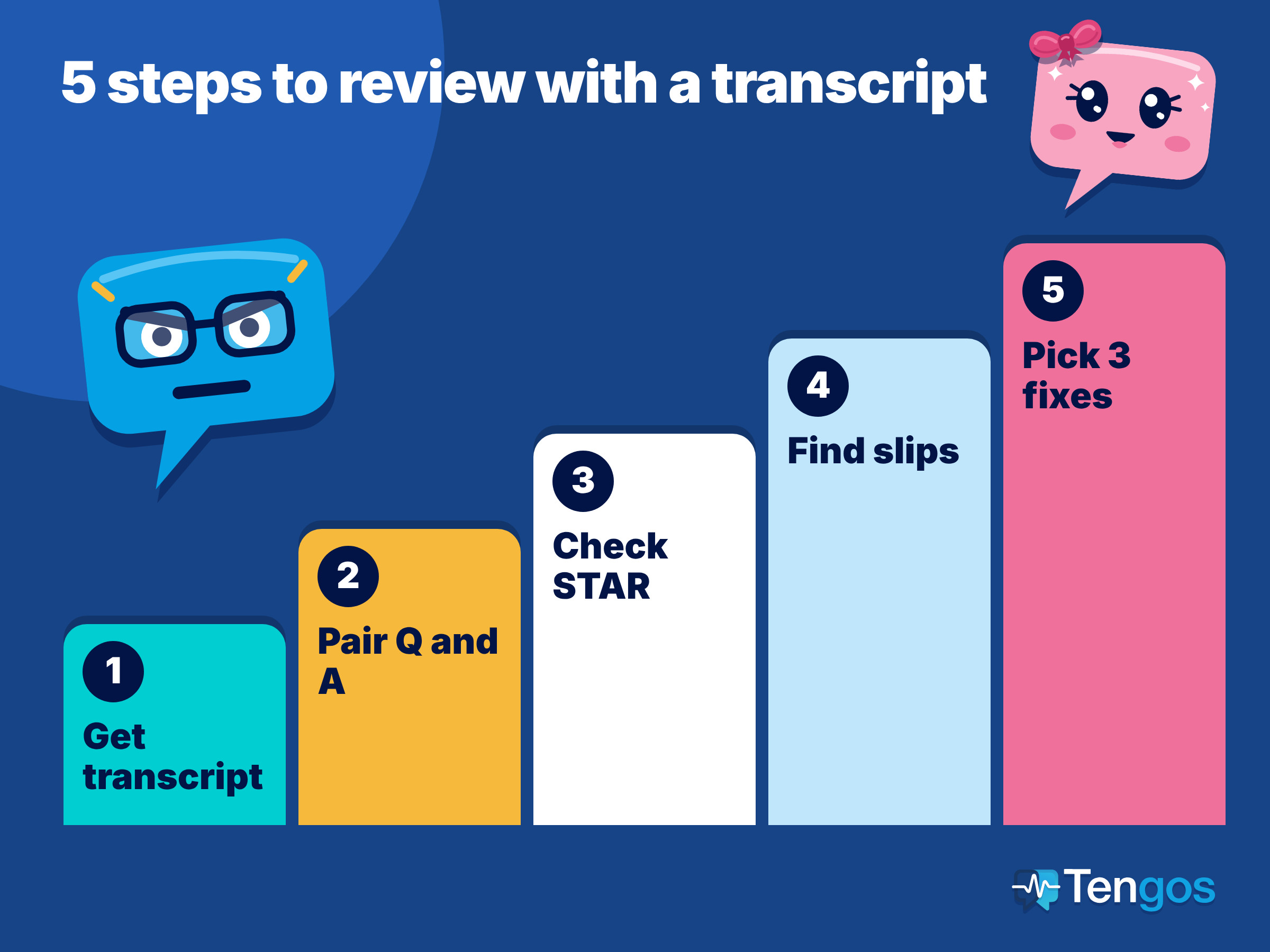
Step 1: Get the transcript. Run your recording through a transcription tool to turn it into text. Try to do this within a day or two, while the English job interview is still fresh. If your tool supports it, add a translation into your own language so you can double-check anything you only half understood.
Step 2: Pair each question with your answer. Skim the transcript and mark every point where the interviewer asks a question. Each question plus your response makes one pair. If the transcript shows who is speaking, this step goes much faster.
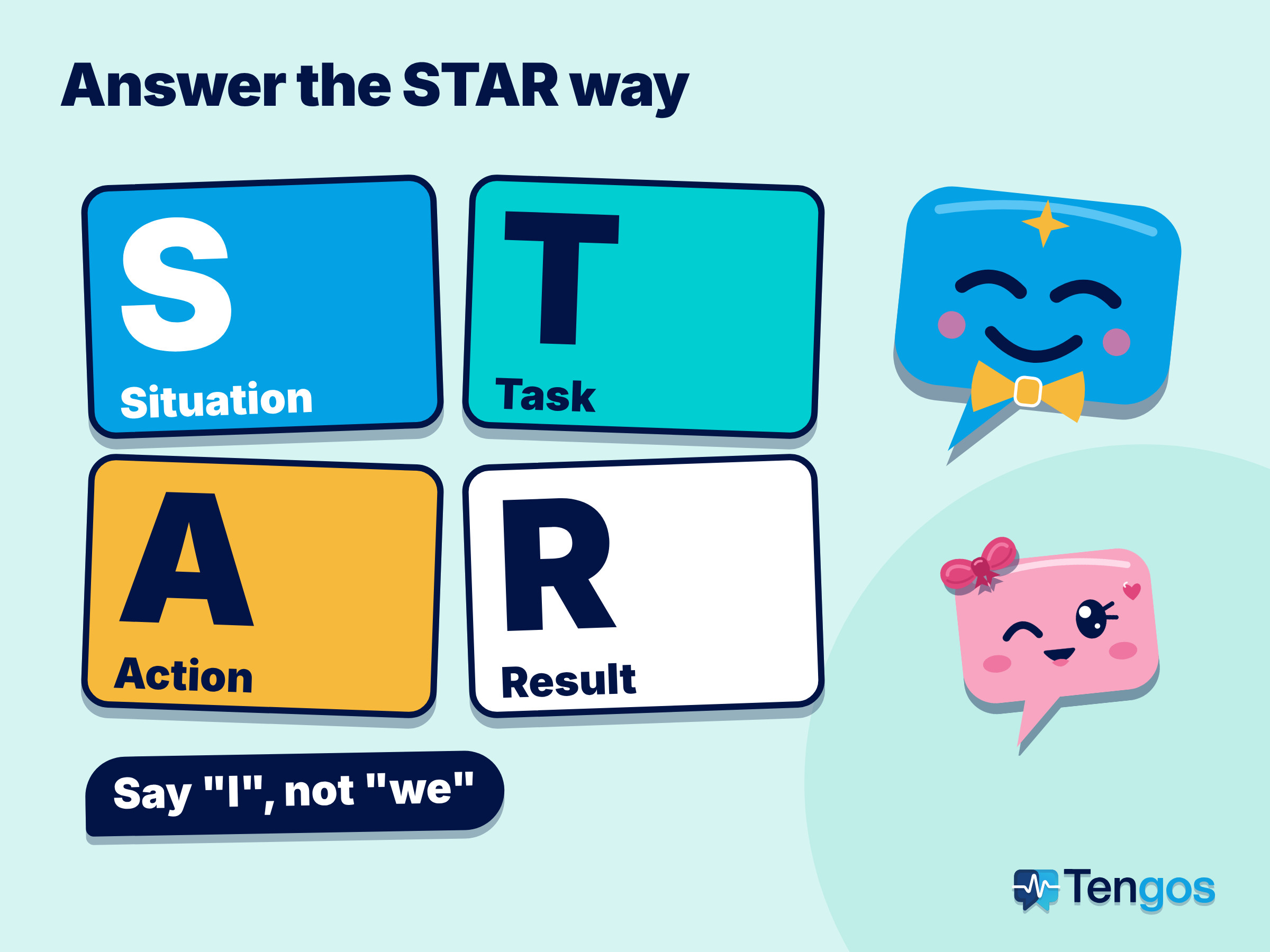
Step 3: Compare your answers to the STAR method. For questions about your work experience, many interviewers expect a STAR-style story: Situation, Task, Action, and Result. According to Indeed, the Action part needs the most detailed description, and you should say “I” instead of “we” to highlight your own contribution (Indeed career advice). Reread your answer and ask yourself: did I make it clear what I did and what came of it?
Step 4: Find the slips. Underline the places where you hesitated, repeated the same word, wandered off topic, or misunderstood the question. Next to each one, write a better way to say it in English. This is the step that helps you improve the fastest.
Step 5: Pick 3 fixes and 10 phrases. Don’t try to fix everything. Choose three specific goals, such as answering “Tell me about yourself” in under 90 seconds, adding a result to every answer, or slowing down in your opening line. Then write down 10 English phrases you want to use next time. Take that list into your next practice session or interview round.
Comparing Ways to Review an Interview
| Method | Accuracy on questions and answers | Time it takes | Best when |
|---|---|---|---|
| Memory and handwritten notes only | Low, easy to get wrong | Low | You’re not allowed to record |
| Listening to the full recording | High | High (as long as the interview itself) | The call was short and you follow audio well |
| Automatic transcript | High, but check names and jargon | Medium | You want to read fast and find any line again |
| Transcript with translation and summary | High, readable even if you missed a word | Low | You interviewed in a second language and want to check meaning |
No single method is perfect for every situation. If all you have is a 20-minute call, listening again works fine. For a long interview, multiple rounds, or when you want to compare several interviews side by side, a transcript lets you find the exact line you need in seconds.
Cautions When Using AI to Review Interviews
First, what’s said in an interview may be private company information. Keep the recording and transcript to yourself, don’t post them on social media or send them to outsiders, and delete them when you’re done with them.
Second, AI should only help you after the interview, not during it. Many companies have their own rules about using assistive tools in interviews. If you’re thinking about using any tool during a live interview, ask first.
Third, automatic transcripts can get proper names, acronyms, and heavy accents wrong. Double-check the details that matter, especially the company name, the job title, and any numbers you mentioned.
How Tengos Can Help You Review an Interview
Tengos is an app with real-time translation across 60 languages and AI Meeting Summary. For reviewing an interview, you can record inside the app, or use Import Audio to bring in a file you recorded on your phone or computer, and then get a transcript and a translation. Speaker ID shows who said which line, which makes it easier to pair questions with answers. AI Meeting Summary pulls out the key points, and Glossary lets you add company names and industry terms so translations stay consistent. When you want to save your work, Universal Export gives you files in formats like SRT, VTT, MD, or TXT.
The Free plan includes 120 minutes per month and 5 uploads per month, with no credit card required, which is enough to try it on one or two short interviews. Limits differ by plan, so check the pricing page before you use it regularly. You can get the app for iOS on the App Store or Android on Google Play.
One note: Tengos helps you review and learn from your interview, but it doesn’t replace a career coach or advisor. For big decisions like salary negotiation or contract terms, talk to someone qualified.
If you also join online meetings in English, our post on English for meetings when it’s your second language has more ways to keep up, and how to summarize a webinar and translate the recap covers a similar workflow for webinars.
Frequently Asked Questions
Can I record a job interview?
Ask first. Google Meet notifies participants when a recording starts, and Microsoft Teams says that depending on your region, you may need everyone’s permission. Rules differ depending on where you and the employer are located, so getting permission in writing or out loud at the start of the call is the safest approach.
What if the interviewer won’t allow recording?
Write down the questions and your main points within 15 minutes of the call, then check your answers against the STAR method yourself. You won’t have a recording, but you’ll still have a list of real questions to practice with for next time.
How soon should I review an English job interview?
The sooner the better. Take notes in the first 15 minutes and read the transcript within a day or two. While your memory is fresh, you can compare how you felt answering with what you actually said.
Is a transcript of an English job interview accurate?
It’s accurate enough to reread the content, but proper names, acronyms, and heavy accents can be wrong. Double-check the important details. Adding terms to a Glossary also helps keep translations consistent.
Is the Tengos Free plan enough to review one English job interview?
The Free plan includes 120 minutes per month and 5 uploads, with no credit card required. For a 30 to 45 minute interview, you can try it a few times in a month. Check the pricing page for each plan’s limits.
Sources
- Google. Record a video meeting in Google Meet.
- Microsoft. Record a meeting in Microsoft Teams.
- Indeed. How to use the STAR interview response technique.
- Tengos product information: pricing and real-time translation.