
How to Stop AI From Mistranslating Technical Terms (Build a Translation Glossary)
Published on Nov 10, 2026
Table of Contents
A translation glossary is the most reliable way to stop AI from mistranslating technical terms. AI gets specialist words wrong because it guesses the meaning from limited context. A glossary removes the guess: you decide the correct translation of each term once, and the tool uses it every time.
This guide shows why the errors happen, what the big translation tools already offer, and how to build a translation glossary of your own in about an hour.
Key Takeaways
- AI mistranslates technical terms mostly because words have several meanings, abbreviations are ambiguous, and product or company names look like ordinary words.
- Fixing mistakes after the meeting works, but it costs time and the same error returns next time.
- A translation glossary of 20 to 50 core terms covers most of the risk for a typical meeting, lecture, or project.
- DeepL, Google Cloud Translation, and Azure Translator all support custom terminology, so the idea is standard practice, not a niche trick.
- Tengos Glossary lets you set your own translations before you start, so real-time translation and the AI Meeting Summary use your wording.
Why does AI mistranslate technical terms?
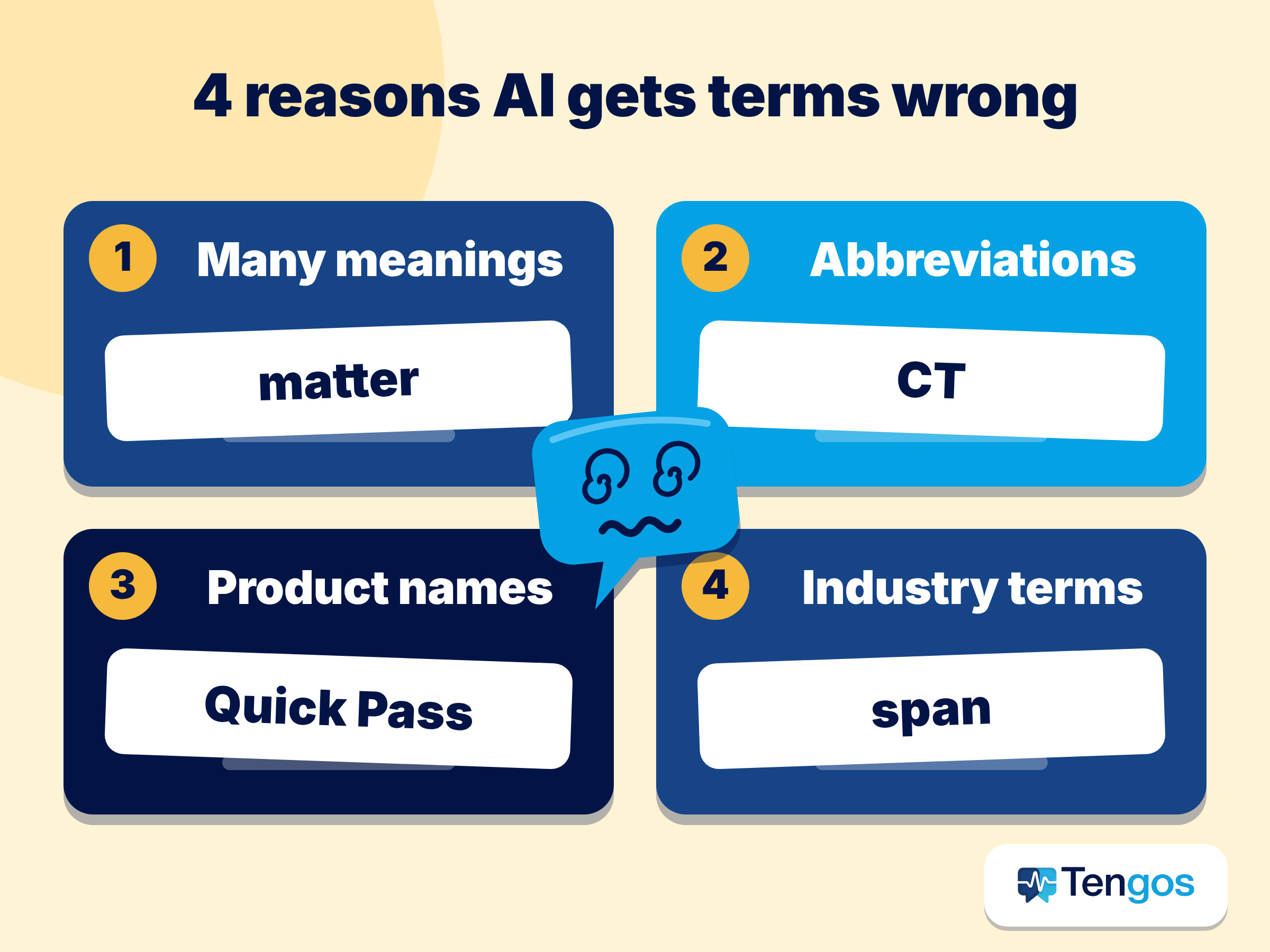
Anyone who has used machine translation in a specialist field has seen it: a sentence that reads well but says the wrong thing. The tool is not broken. It is working with less information than a human expert has. Four causes explain most errors.
Words with several meanings
Many everyday words become something else inside a field. “Matter” in law can mean a case, “culture” in biology means growing cells, and a “bridge” in dentistry is not a structure over a river. Without knowing the field, the AI picks the most common meaning, which is often the wrong one.
Abbreviations and acronyms
One acronym can stand for several things. “CT” may be a computed tomography scan in a hospital and a continuity test in electronics. Short forms carry very little context, so the AI has almost nothing to decide with.
Product names, company names, and internal jargon
Names that look like ordinary words get translated when they should stay as they are. A feature called “Quick Pass” may turn into a literal phrase in another language, while your team still calls it “Quick Pass”. Internal project names and department terms suffer the same fate.
The same concept has different standard terms by industry
Some concepts have one accepted term in one industry and a different term in another. If your audience expects a specific word, a technically correct synonym can still look unprofessional or cause confusion.
What does a mistranslated term look like in a real meeting?
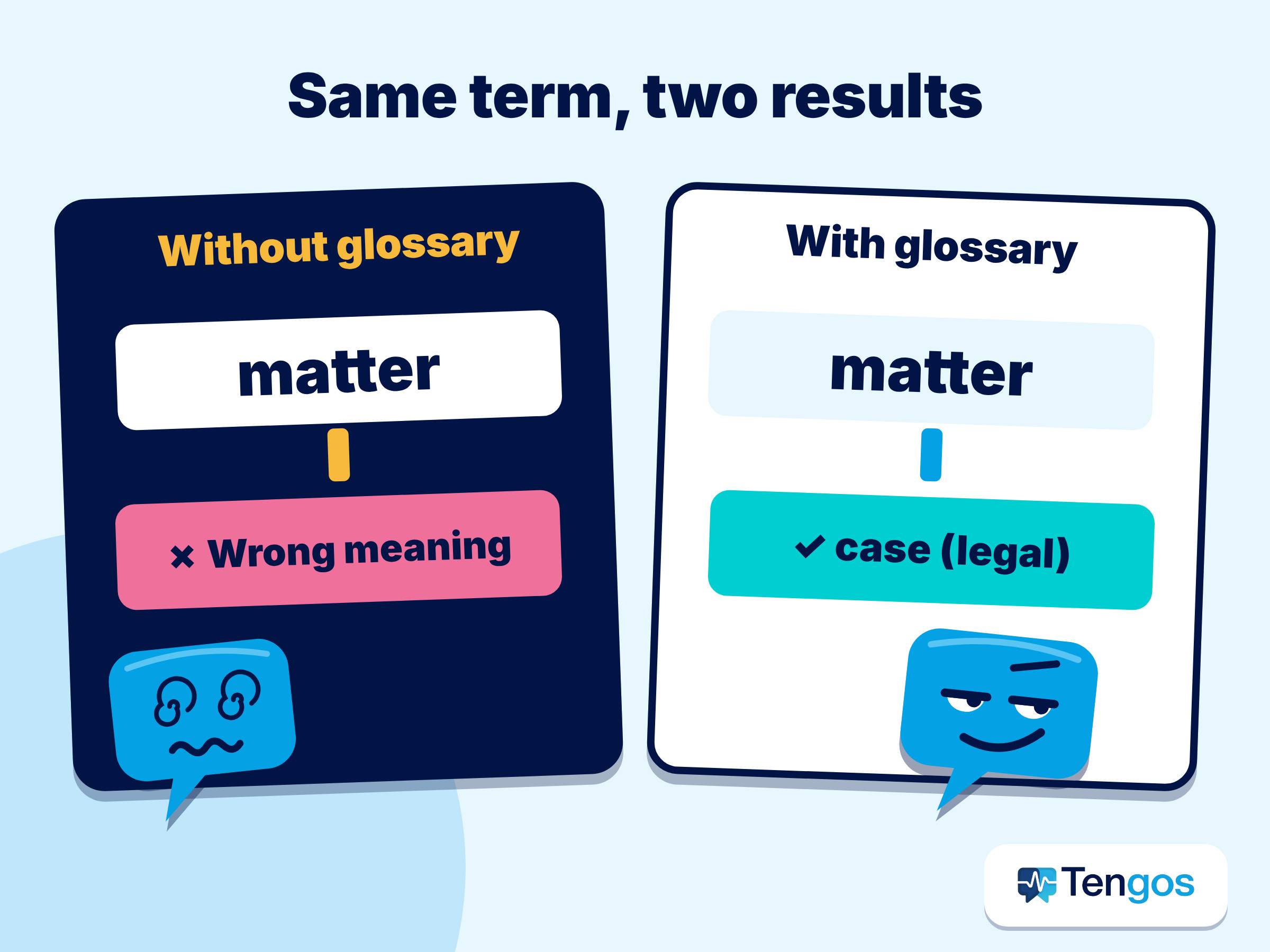
Here is an example, written to show the pattern rather than report a real case. A law firm in Hanoi holds a call with a client in Seoul. The lawyer says, “We will open a new matter for this dispute.” The translation tool renders “matter” with its everyday meaning, so the Korean listener hears something close to “a new substance”. Nobody on the call notices until the lawyer repeats the sentence for a third time.
The error cost five minutes and some trust. In a recorded meeting it also lands in the transcript and in every summary built from it. That is why fixing the term before the meeting is cheaper than fixing the text afterwards.
What do DeepL, Google, and Microsoft offer for terminology?
Custom terminology is not a new idea. The three best-known translation services each have a version of it, and each works a little differently.
- DeepL glossaries let you set preferred translations for technical terms and brand names. You can build them by hand, upload a file, or generate one from past translations, and you can keep separate glossaries for different teams or projects.
- Google Cloud Translation glossaries (Advanced edition) are custom dictionaries for product names, ambiguous words, and borrowed words. They accept TSV, CSV, or TMX files, and matching is case sensitive by default.
- Azure Translator’s dynamic dictionary lets you mark a phrase and give its translation inside the request. Microsoft says it is only safe for compound nouns such as proper names and product names, and points to Custom Translator for large numbers of terms.
Further reading: DeepL: glossaries in the real world / Azure Custom Translator: dictionaries
Two lessons come out of this. First, every major tool treats terminology as something you supply, not something the AI should guess. Second, each tool has limits: Google’s glossaries are an Advanced edition feature, and Microsoft’s dynamic dictionary is meant for names. A glossary you maintain yourself works across all of them.
Four ways to deal with mistranslated terms
People usually handle this problem in one of four ways. The table compares them so you can pick the one that fits the situation.
| Approach | Effort before the event | Effort after the event | Best for | Main weakness |
|---|---|---|---|---|
| Fix errors afterward | None | High | One-off, low-stakes use | The same mistakes repeat next time |
| Re-translate parts by hand | None | High | Short documents | Slow, and you need to know the target language |
| Build a glossary first | Medium, once | Low | Recurring meetings, lectures, projects | You must list the terms in advance |
| Hire a human translator or interpreter | High | Low | High-stakes legal, medical, or official content | Cost and scheduling |
For recurring work, building a glossary first has the best balance. You invest a little time once, and every later session benefits.
How do you build a good translation glossary?
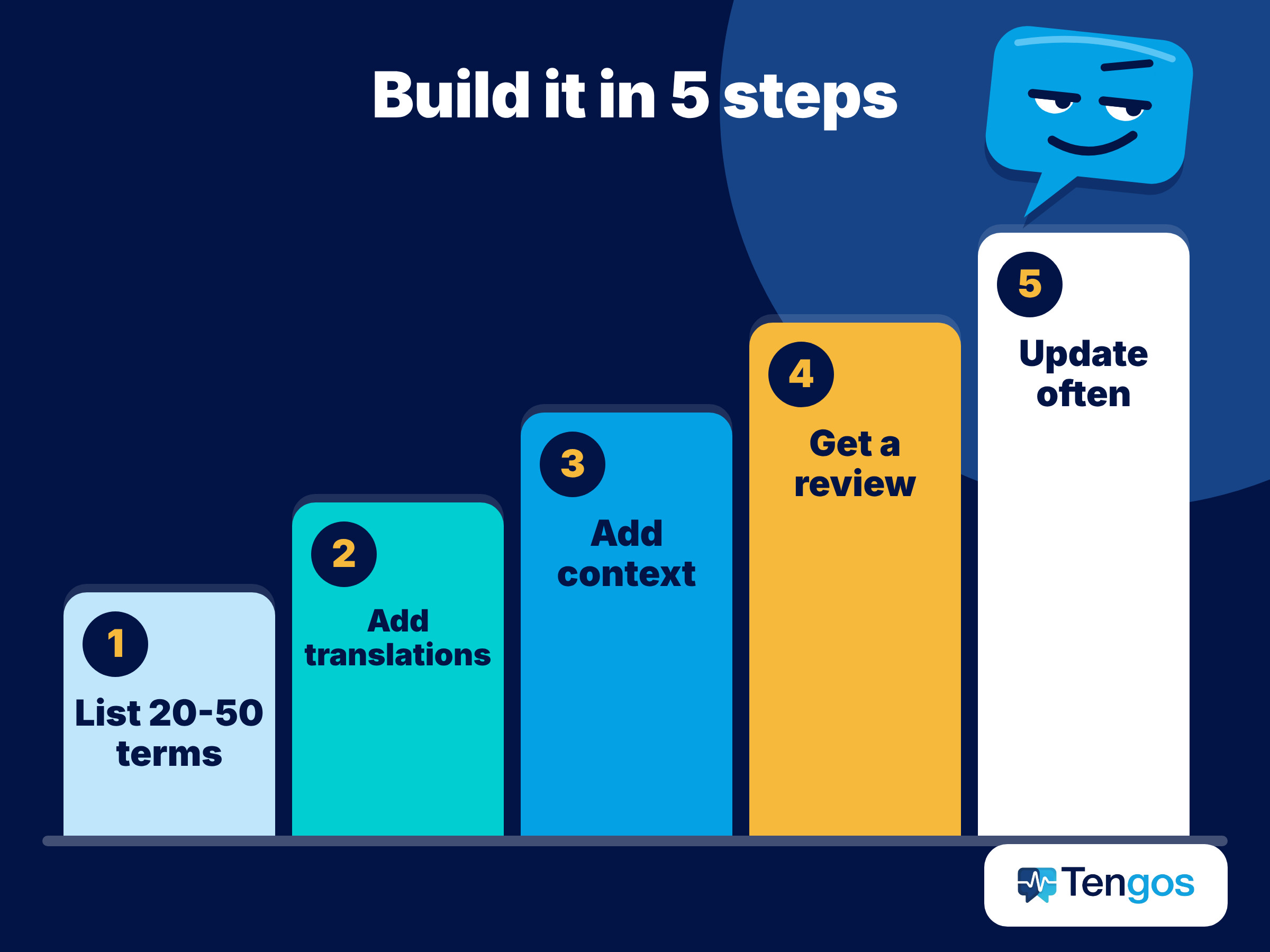
A glossary does not need to be long to be useful. These five steps keep it practical.
- Start with 20 to 50 terms. Pick the words that would cause real trouble if mistranslated: specialist vocabulary, product names, abbreviations, and people or place names.
- Write the approved translation for each target language. If a term must not be translated at all, record it exactly as it should appear.
- Add a short context note. “Culture (biology): cell culture” prevents the next person from choosing the wrong meaning.
- Ask a colleague or a native speaker in the target language to check the list once, especially for fields like medicine and law.
- Update it over time. After each meeting or class, add the new terms that came up.
Keep one master list per project or field rather than one giant list for everything. Smaller, focused lists are easier to maintain and less likely to create conflicts between meanings.
What should each glossary entry contain?
A simple spreadsheet is enough. These columns work for most teams, and they map neatly onto the file formats the big tools accept.
| Column | What to write | Example |
|---|---|---|
| Source term | The word exactly as speakers say it | matter |
| Approved translation | The wording your audience expects, per language | the local legal term for “case” |
| Context note | The field and a short example | Law: “open a new matter” |
| Keep as is? | Yes if the term must not be translated | Quick Pass: yes |
Where do the terms come from?
Do not try to invent the list from memory. Three sources give you most of it in a few minutes: the slide deck or agenda for the next meeting, the transcript of the last meeting (look for words someone had to explain), and the corrections your team has already made by hand. If your field has a formal vocabulary, borrow from it. ISO 704:2022 sets out principles for building terminologies and writing definitions, which is useful when two departments use one word differently.
How do you use Glossary in Tengos?
Tengos is an app for real-time transcription and translation in more than 60 languages. Its Glossary feature lets you add your own terms, and the tool then applies your translation instead of guessing. This is how a typical session works.
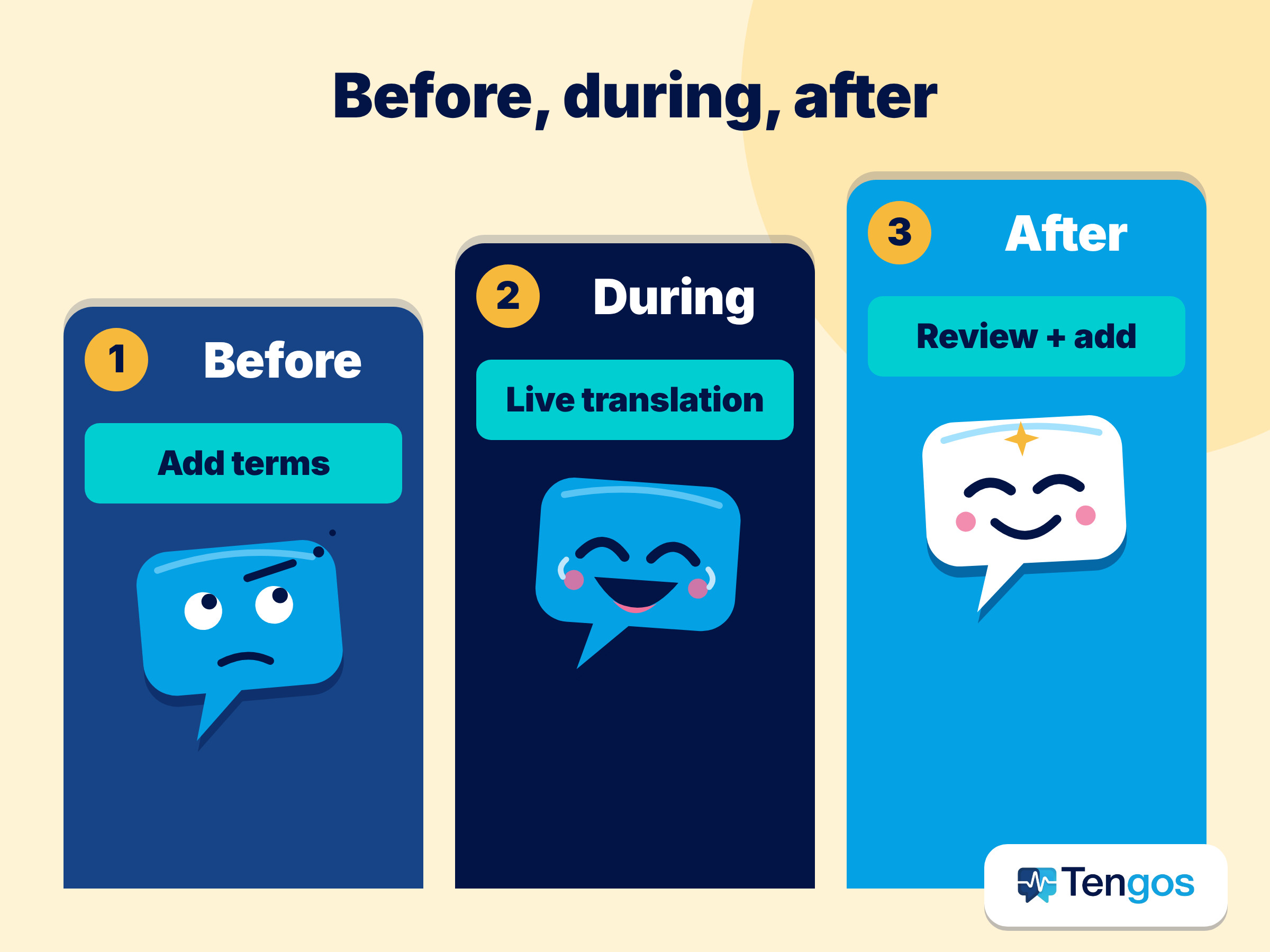
- Before the session, open Glossary and add your key terms with the translation you want.
- Start your meeting or class and turn on real-time translation. Your terms appear the way you defined them in the transcript and the translation.
- Share the live translation with attendees through Share Real-time Link, so everyone sees the same wording.
- After the session, review the transcript and the AI Meeting Summary, which draws on the same transcript.
- Add any new terms you noticed, so the next session starts better.
The plans differ in how many terms you can store. On the Tengos pricing page, Starter includes 50 translation terms, Pro 200, Max 500, and Enterprise is unlimited. The Free and Lite plans do not include custom terms. Check the current pricing page before you choose a plan, because limits can change.
Which terms belong in a glossary? Examples by field
These examples are illustrative. They show the kind of terms worth putting in a glossary, not real results from a specific product.
- Medicine: abbreviations such as CT or MRI, drug names, and department names. Decide once whether the abbreviation stays in English or is replaced by the local standard.
- Law: words like “matter”, “consideration”, or “party”, which have narrow legal meanings that differ from everyday use.
- Architecture and construction: terms such as “span”, “load”, and “elevation”, which are ordinary words with exact technical meanings.
- IT: product names, feature names, and acronyms such as API or SSO, which often should stay unchanged.
What mistakes should you avoid?
- Listing too many terms. A 500-term list that nobody checks is worse than a 40-term list that everyone trusts.
- Mixing meanings in one entry. Give “culture” in biology and “culture” in HR two separate entries with context notes.
- Forgetting the “keep as is” terms. Product and feature names are the most common casualties.
- Skipping the review. A native speaker in the target language catches wording that is correct but sounds wrong to your audience.
- Treating the glossary as finished. Google notes that Cloud Translation does not version glossary resources, so keep your original file and update it deliberately.
Frequently asked questions
Why does AI translate technical terms incorrectly?
Because it chooses the most likely meaning from limited context. Words with several meanings, ambiguous abbreviations, and names that look like ordinary words are the most common sources of error.
How many terms should a translation glossary have?
Start with 20 to 50 core terms. A short list that you actually maintain works better than a huge list that nobody checks.
Can I use a glossary for real-time meetings and not only documents?
Yes. With Tengos Glossary you set the terms before the session, and they are applied during real-time translation and reflected in the transcript.
Does a glossary make machine translation fully accurate?
No. It reduces errors on the terms you define, but a human should still review high-stakes content such as legal or medical material.
Is there a free way to try this?
Tengos is free to start with no credit card. Custom terms are part of the paid plans, so check the pricing page for the current limits.
Try it in your next meeting
If specialist terms keep getting lost in translation, build a short glossary and test it in your next meeting or class. Tengos is free to start, no credit card needed, and the app is available for iOS and Android: Get the Tengos app. To see how teams use Glossary at scale, talk to our team, or read about Tengos auto-translation.


