When a Client Talks Too Fast in a Meeting: Keep Up With Live Captions for Meetings and a Transcript
Published on Nov 19, 2026

Table of Contents
When someone talks too fast in a meeting held in your second language, the fix is rarely “listen harder”. The reliable approach has three layers: prepare before the call, ask for a slower pace in the moment with a few ready phrases, and put live captions for meetings, with a transcript, in front of you so a missed sentence is still on the screen. This guide shows how to combine them, what the big meeting platforms actually offer, and how to review the call afterwards.
Key Takeaways
- Fast speech is partly a perception problem. Research on listeners suggests that foreign languages tend to sound faster than familiar ones, and that the effect shrinks as understanding improves. Your ear is not broken.
- Prepare first. An agenda, slides and a list of key terms before the call remove a large share of the guesswork.
- Ask early and politely. A short, friendly request in the first minutes works better than a panicked one halfway through.
- Captions help, but they are not perfect. A Consumer Reports test of auto-captions on nearly 850 TED Talks found an average of about 10 errors per 100 words for non-native speakers, so check names and numbers.
- Translated captions are usually a host-side feature. On Teams, Zoom and Google Meet they depend on plan and settings, so do not count on them being available.
- A transcript is your safety net. Scrolling back is faster than interrupting, and a transcript is what you review afterwards.
- Tengos supports 60+ languages on iOS, Android and as a Chrome extension, with a Free plan of 120 minutes per month to try it.
Why does a colleague or client sound so fast in your second language?
Because listening in a second language is more work for your brain, and the same speed feels different depending on how well you know the language. In a 2017 study in Frontiers in Psychology, Bosker and Reinisch looked at this effect and reported that foreign languages tend to sound faster to listeners, and that the effect weakens when they understand the language better. In plain terms: a sentence that is easy at your native speed can feel like a blur when the vocabulary is not automatic.
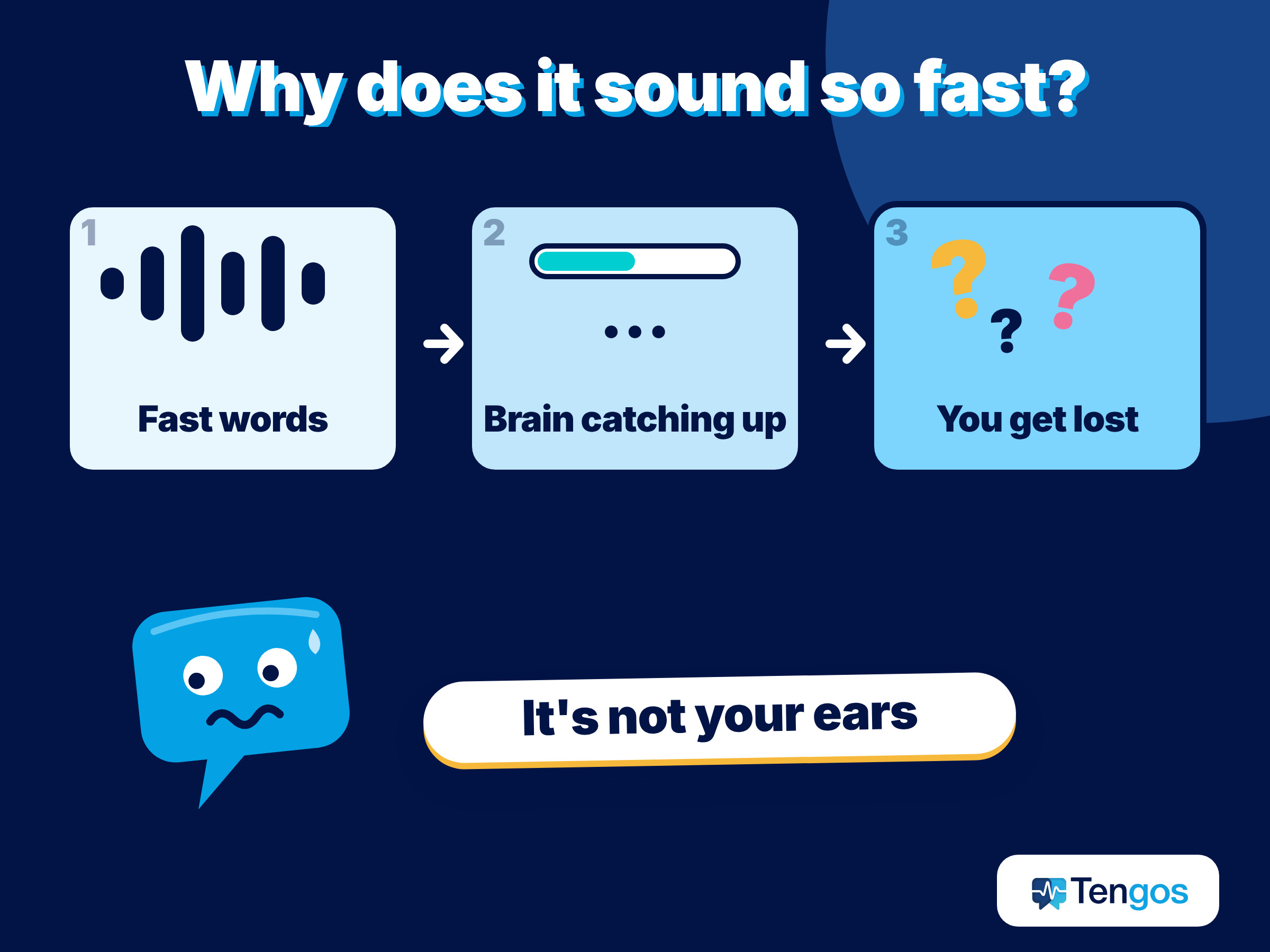
Fast does not always mean information-dense either. A CNRS summary of a study published in Science Advances covered 17 languages and found that languages spoken at a faster pace pack less information into each syllable, so that all of them convey roughly the same amount of information per second. A speaker who talks quickly is not necessarily saying more. They may simply be using a language, or a habit, that spreads meaning across more sounds.
The cost of getting lost is real. A study of 96 employees in six software teams, summarized by Harvard Business School’s Working Knowledge, found that anxiety about language was common, especially in technical discussions or when people were tired. Another summary in strategy+business, of research on international meetings, notes that people often let unclear remarks pass instead of asking, so misunderstandings survive. Both findings point at the same habit: staying quiet and hoping it will make sense later.
What can you do before the meeting?
Preparation is the cheapest fix, and most people skip it. Fifteen minutes can change how much you follow.
- Ask for an agenda and any slides in advance. Knowing the topics lets you predict vocabulary, which makes fast speech easier to parse.
- List 10 to 15 key terms (product names, numbers, project words) and check how they are pronounced.
- Decide your fallback. Choose in advance whether you will use platform captions, a translation app, or a transcript, and test it.
- Plan one clear request. For example: “Could we go a little slower and pause after each point? I want to be sure I follow.”
- Tell the organizer if you will record or transcribe. It is polite and it avoids awkward moments.
What can you say in the meeting when someone talks too fast?
Say it early, say it lightly, and give a reason that is not about the other person’s fault. Most speakers are happy to adjust when asked; they just do not notice the pace. The strategy+business summary suggests that speaking slowly and clearly, avoiding slang and idioms, and using an agenda help international meetings, so you are asking for something that is widely considered good practice.
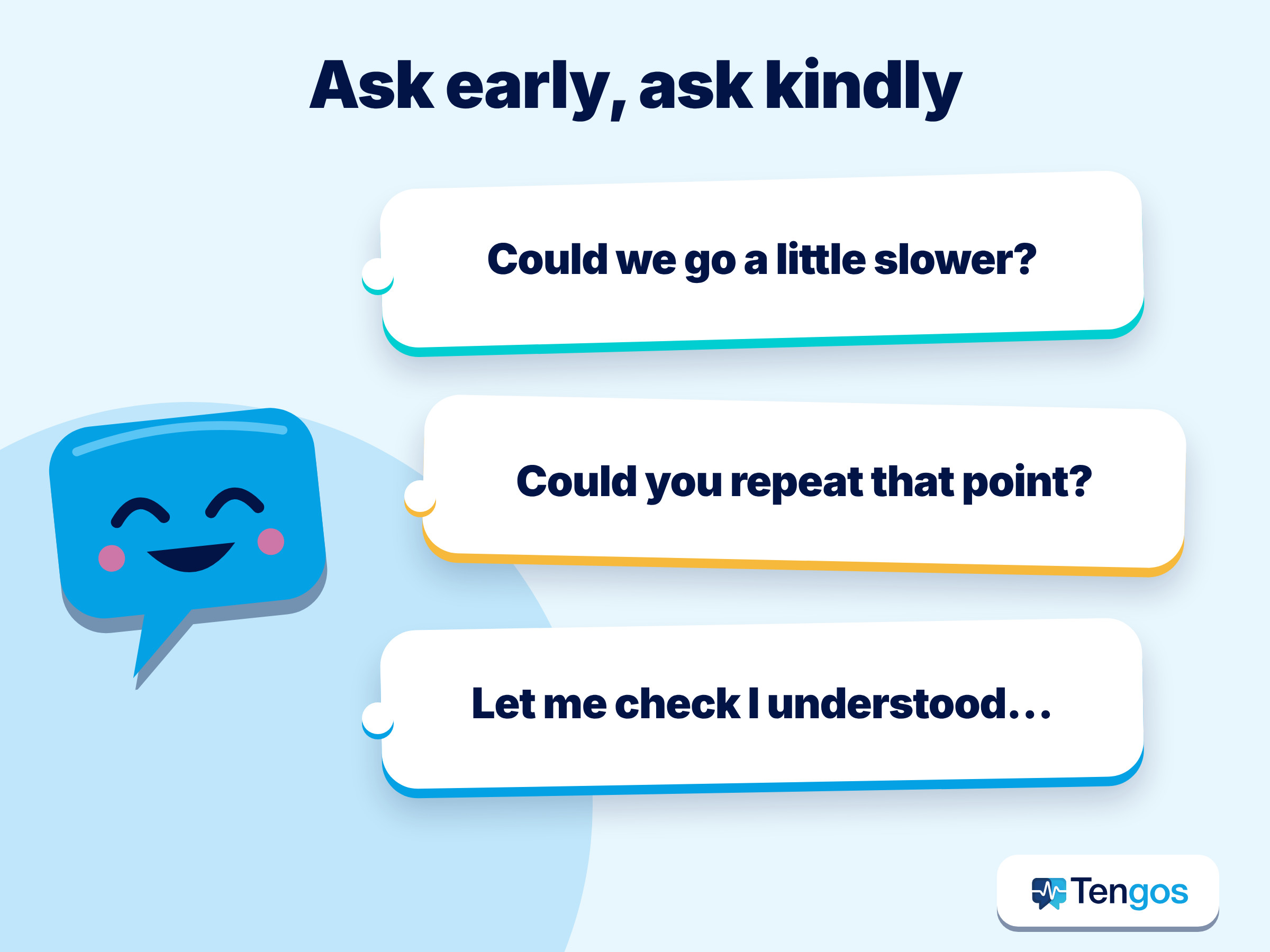
Here are phrases you can adapt:
- “Could you slow down a little? I want to make sure I catch the numbers.”
- “Sorry, could you repeat the last point in simpler words?”
- “Let me check I understood: you are saying that the deadline is Friday, correct?”
- “Could we pause for a moment after each topic? It helps me take notes.”
- “Could you also put that in the chat? It is easier for me to read.”
Repeating back what you heard is the strongest move. It turns a vague “I did not get it” into a check that the speaker can confirm or correct in seconds, and it records the decision out loud.
How do live captions for meetings and a transcript help?
Captions put the sentence in front of your eyes, where you can read at your own speed, and a transcript keeps the last few minutes available after the words are gone. Reading is usually easier than listening in a second language, since you can see word boundaries, spelling and numbers. A study by Birulés-Muntané and Soto-Faraco in PLoS ONE with 60 students found that watching a film with subtitles improved comprehension compared with watching without them. It was about films, not meetings, so treat it as an indication rather than proof, but it fits what many learners report.
Two things are worth separating:
- Live captions for meetings show the speech as text within seconds, in the original language or translated.
- A transcript is the running record you can scroll back through, search and export.
For a fast speaker, the combination is what matters. Captions give you the instant read; the transcript lets you recover the sentence you missed without interrupting anyone.
Accuracy needs a caveat. Consumer Reports tested auto-captions on nearly 850 TED Talks and reported an average of about 10 errors per 100 words for non-native speakers and 7 for native speakers, with a wide range between services. The W3C’s captioning guidance gives an example of why this matters: an automatic caption turning “4 to 5 minutes” into “45 minutes”. Treat captions as a strong aid for the gist, and verify any number, name or commitment.
Which meeting platforms offer translated captions?
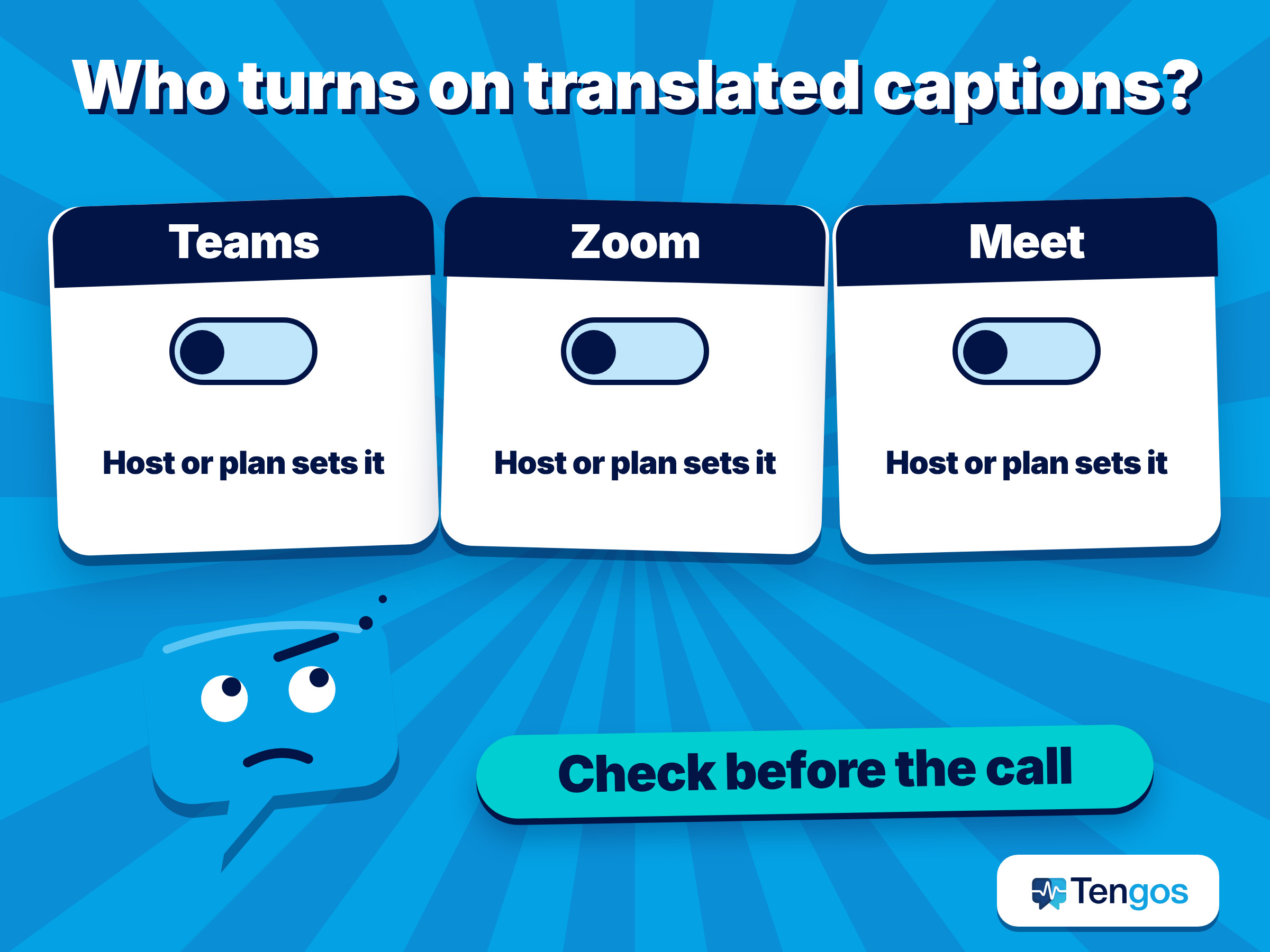
Plan and settings decide, and the host or admin usually controls them. The table summarizes what the sources say; plans change, so check the linked page before relying on any of it.
| Platform | What the source says | What to know as a participant |
|---|---|---|
| Microsoft Teams | Live translated captions and transcripts need Teams Premium or Microsoft Copilot; if the organizer has a license, all participants can use them | The translation exists only during the meeting unless extra tools are used afterwards |
| Zoom | Translated Captions is an add-on for paid accounts, announced at $5 per user per month, with 35 languages | Translated captions are not in the recording, but they appear in the full transcript |
| Google Meet | Translated captions are available on specific Workspace editions (seven are listed in a 2023 update) | Standard captions are available more widely, but translation depends on the edition |
Sources: Microsoft’s support page on multilingual speech recognition in Teams, Zoom’s announcement of Translated Captions, and Google’s Workspace Updates post on Meet language support. Prices and plans can change after these pages were published.
The practical lesson is the same on every platform: translated captions are mostly a switch the host or the account owner flips. If you are a guest on a client’s call, you cannot assume they are on. Our guide to live meeting translation on Zoom, Meet and Teams goes deeper into plans and settings.
What if the host has not turned on translated captions?
Add your own layer. A translation app or browser extension can listen to the meeting audio on your device and show a live transcript in your language, whatever platform the call runs on. Tengos is one such app. Based on its pricing page, it provides real-time speech transcription and real-time text translation in 60+ languages on iOS, Android and as a Chrome extension.
There are trade-offs. You read a separate transcript beside the call, not captions inside the video, and you need clear audio. Background noise, crosstalk and strong accents reduce quality for any tool. For client calls, tell the other side you are using a transcription aid; it is courteous, and depending on the setting and your organization’s rules it may be required.
Which approach fits your situation?
Match the layer to what is at stake. This is a starting point, not a rule.
| Your situation | Best first choice | Backup |
|---|---|---|
| Informal team call, mild speed problem | Ask for a slower pace, use platform captions | A short summary in chat afterwards |
| Client call with numbers or commitments | Captions plus a transcript you can scroll back through | Repeat key points aloud and confirm in writing |
| The host did not enable translated captions | A translation app with live transcript | Ask for the recording afterwards |
| Fast-paced technical discussion | Agenda and key terms in advance, plus a transcript | Ask for slides and a written follow-up |
| Legal, medical or financial matters | A qualified human interpreter | Machine output only as a helper |
How do you review the meeting afterwards?
Review while the memory is fresh, ideally the same day. A transcript lets you look at what was actually said, instead of what you think you heard, and confirm decisions with the other side in writing.
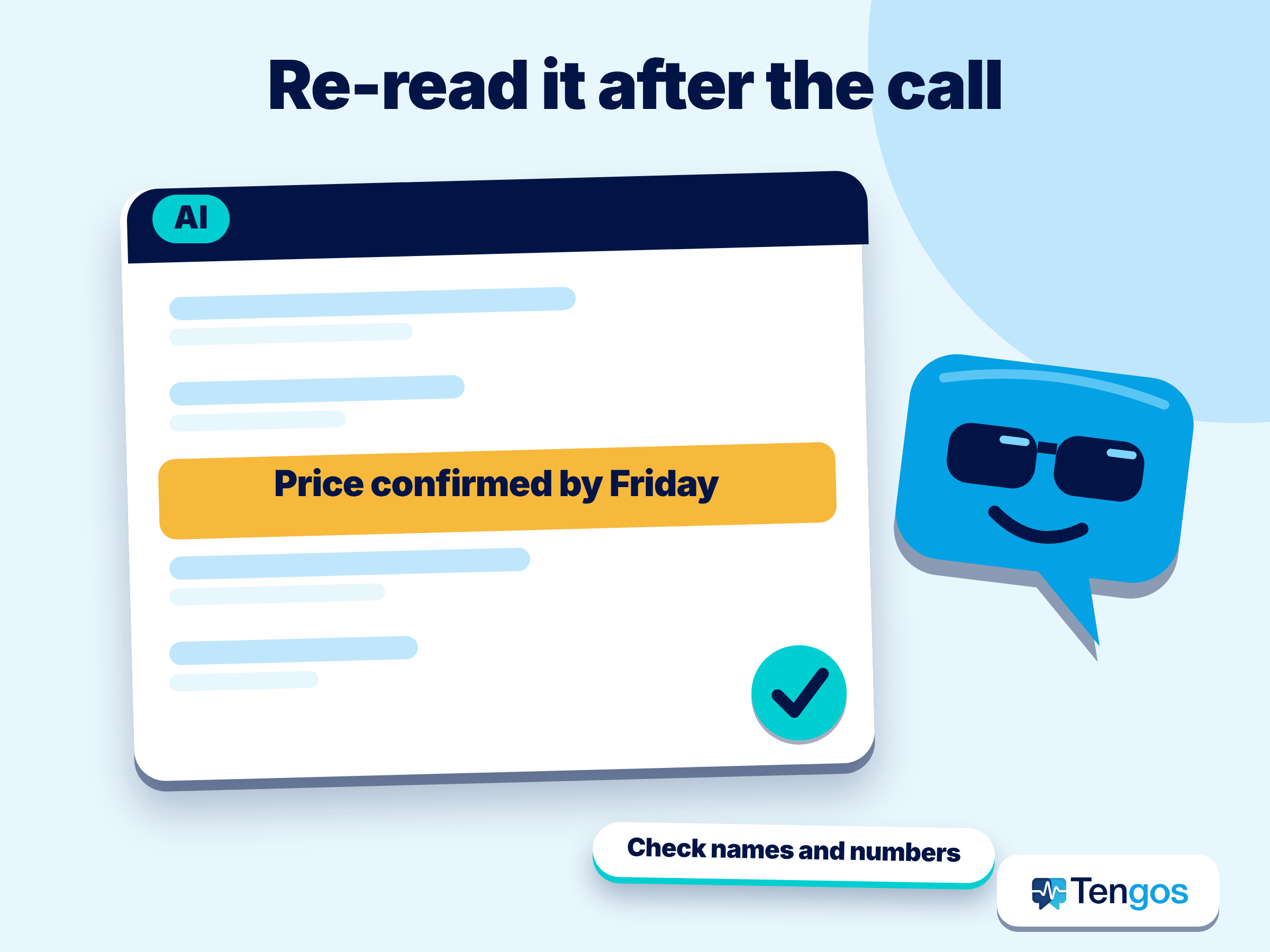
- Scan for numbers, dates and names and check each against slides or the recording.
- Highlight action items and who owns them.
- Send a two-line recap to the client or team: “Here is what I understood; please correct anything that is wrong.”
- Keep a term list. Add new words you struggled with, so the next call is easier.
An AI summary can turn a long transcript into short notes; our guide on summarizing a webinar with translation shows how it works. For a longer look at the cost of translating for colleagues, see the hidden cost of bilingual employees translating, and for tool comparisons see AI notetakers for multilingual teams.
Check the limits of whichever tool you use. On the Tengos pricing page, the Free plan allows 120 minutes per month, while Starter allows up to 15 hours per month and up to 3 hours per recording, which covers long meetings. See the pricing page for current details.
An illustrative example
This is an illustration, not a real case. Imagine you join a weekly call with a client whose team speaks quickly and in a language you use daily but are not fluent in. Before the call you ask for the agenda and write down eight key terms. In the first two minutes you say, “I want to follow the numbers, so could we pause after each topic?” You keep a live transcript open beside the call. When a delivery date flies by, you scroll back, read it, and say, “Let me confirm: delivery is on the 14th?” After the call you send a short written recap. Nothing here needs perfect listening; it needs a plan and a visible record.
Frequently Asked Questions
Is it rude to ask someone to slow down in a meeting?
Not if you ask kindly and early. Many speakers do not realize how fast they talk, and a polite request that explains your reason (“I want to catch the numbers”) is usually welcomed. International meeting research summarized in strategy+business even recommends speaking slowly and clearly as good practice.
Can I get live translated captions on any meeting platform?
Not automatically. Teams, Zoom and Google Meet each offer translated captions on certain plans or editions, and the host or admin usually has to enable them. If they are off, a translation app that listens to the audio can provide a live transcript on your side.
How accurate are live captions for meetings with fast speakers?
They work well for the gist of clear speech and less well for names, numbers and technical terms. In a Consumer Reports test of nearly 850 TED Talks, auto-captions averaged about 10 errors per 100 words for non-native speakers. Fast speech, accents and overlapping voices usually make results worse.
Should I record or transcribe a client meeting?
Tell the other side first and follow your organization’s policy. Rules about recording differ by place and context, so when in doubt, ask. Do not use transcription for confidential material without checking the privacy terms of the tool.
Will a transcript help me improve my listening?
Yes, as a study aid. Reading what was said while recalling how it sounded trains your ear, and a term list from each transcript builds vocabulary. The British Council also recommends focusing on what you do understand instead of panicking about every word.
Final thoughts
When someone talks too fast, you do not need to be a perfect listener. Prepare an agenda and key terms, ask for a slower pace with a friendly phrase, and keep live captions for meetings and a transcript within reach so a missed sentence is never lost. After the call, check the numbers and send a short recap. Machine captions can still be wrong, so treat them as a helper and confirm what matters.
To read a live transcript in your own language, you can try Tengos free, and get the app for iPhone and iPad on the App Store or for Android on Google Play.
Related: Live captions with translation for foreign livestreams and webinars
Sources used: Foreign Languages Sound Fast (Frontiers in Psychology); CNRS on information rates across languages; Language Wars Divide Global Companies (HBS); Avoiding Misunderstandings at International Meetings (strategy+business); Watching Subtitled Films Can Help Learning Foreign Languages (PLoS ONE); Consumer Reports on auto-captions; W3C WAI on captions; British Council on listening in English.