Translation Earbuds vs Translation App: How to Choose Before You Buy
Published on Nov 14, 2026
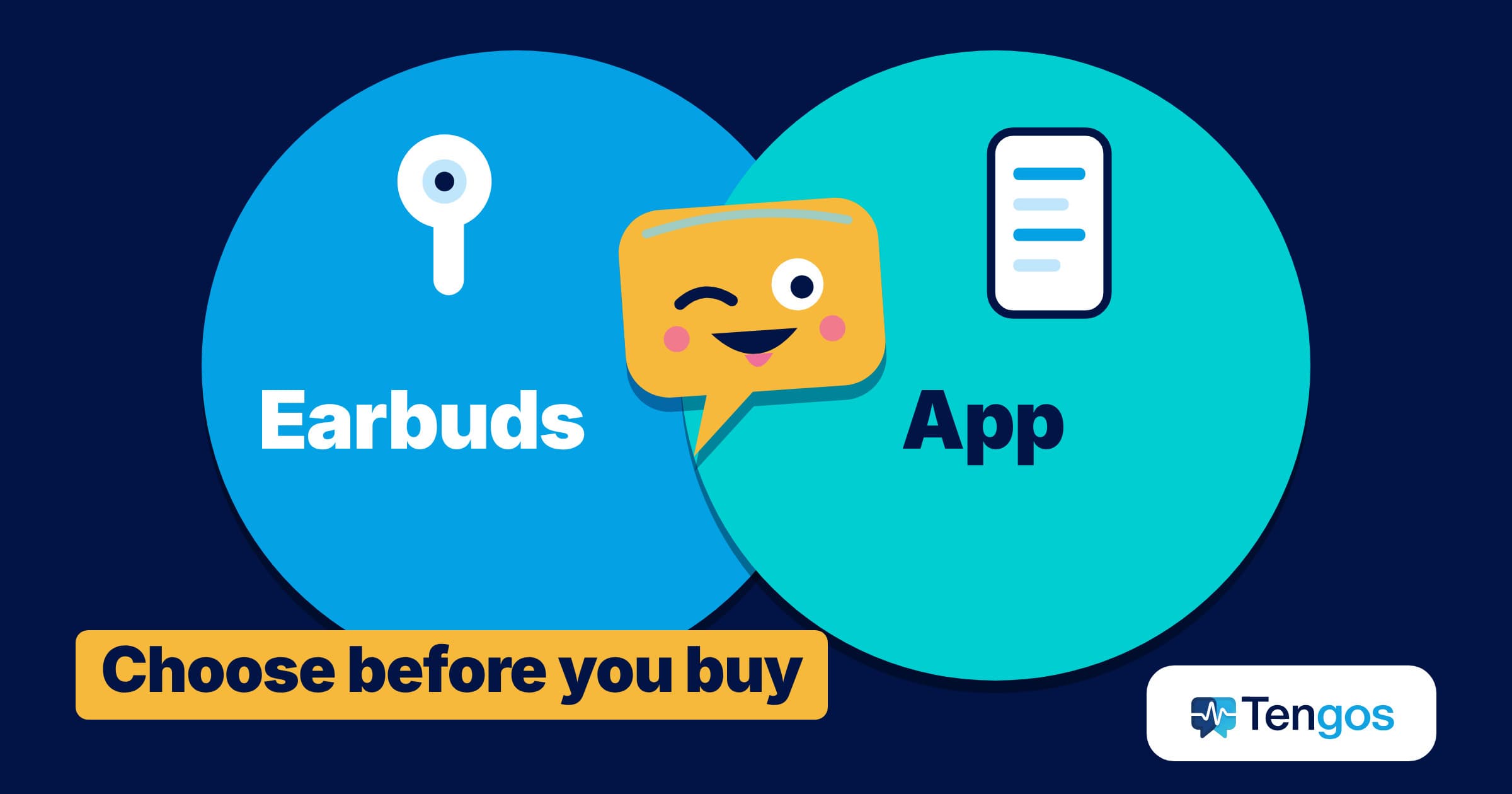
Table of Contents
Translation earbuds sound like the obvious gift for anyone who travels or works across languages, but a phone app can do much of the same job for free. This guide compares translation earbuds with translation apps on the points that decide the purchase, from speed and noise to offline use and battery, so you can choose before you spend.
Key Takeaways
- Translation earbuds put the translation in your ear and free your hands, but dedicated pairs usually need a phone app, a charge and, for offline use, extra language packs.
- Translation apps cost little or nothing, work with the phone you already own, and can show text you can scroll back to, which helps in long or noisy conversations.
- The big phone makers now offer earbud-style translation without special hardware: Apple supports Live Translation on selected AirPods with a recent iPhone, and Google Translate can stream live translation to any headphones.
- Independent testing of one popular pair found accurate everyday conversation, a delay of up to about 3 seconds, weak noise reduction and less accurate results on specialised topics.
- Test with the free option first. Tengos, an AI assistant for real-time speech transcription and translation in 60+ languages, has a Free plan of 120 minutes per month, so you can try the app side before buying hardware.
What are translation earbuds, and how do they work?
Translation earbuds are wireless earphones paired with software that listens to speech, translates it and plays the result in your ear. Timekettle, one of the best-known makers, describes the process as capturing the voice with the microphone, converting it to digital signals, translating it with AI and playing the translation back in the other person’s language.
Most dedicated pairs are not standalone. According to the maker’s product FAQs, several models, such as the M3, the WT2 Edge and the W4 Pro, need the Timekettle app running on a phone. A few other devices, such as the X1 Meeting, are described as standalone. So when you buy earbuds, you often still need your phone and an app. That is the first point to weigh against a translation app on its own.
What does a translation app do instead?
A translation app uses your phone’s microphone and speaker. Google’s help page for live translate says conversation mode speaks translations aloud through your phone speakers or headphones, and that speakers take turns. The same page lists 73 languages for live translate.
A newer kind of app shows text instead of speaking. A live transcript with translation puts the original sentence and your language side by side on screen. Tengos works this way: its pricing page lists real-time speech transcription and real-time text translation across 60 languages for every plan, plus transcript export and AI meeting summaries. It is an app for iOS and Android, not a piece of hardware, so there is nothing to charge or lose.
Translation earbuds vs translation app: how do they compare?
The table summarises the differences that matter in practice. It is a general guide, because models and apps vary.
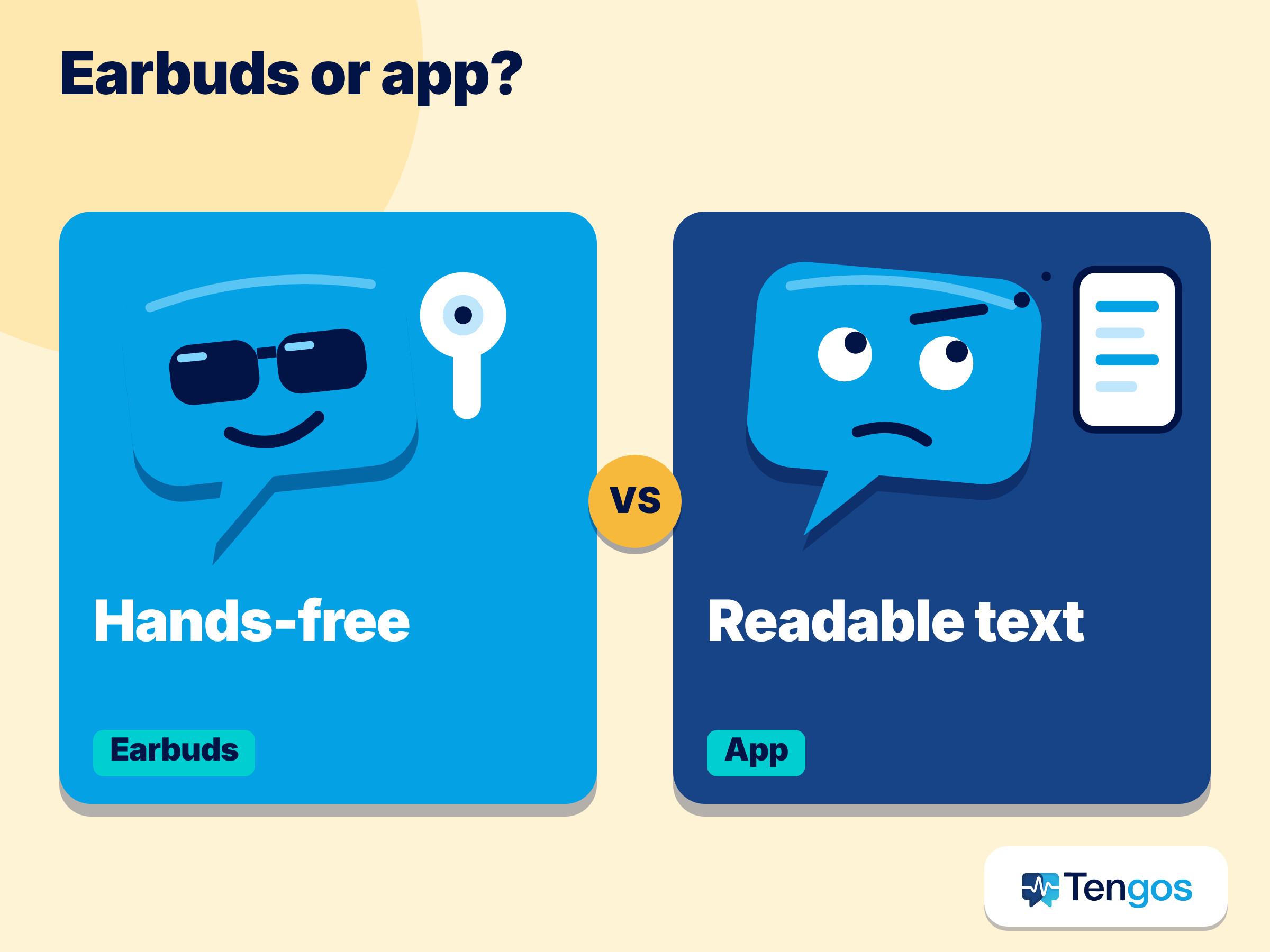
| Question | Translation earbuds | Translation app |
|---|---|---|
| Upfront cost | Hardware purchase, often a few hundred dollars for dedicated pairs | Often free to start, with paid plans for heavier use |
| Hands-free | Yes, you can keep your hands free | Phone in hand or on a table |
| Needs a phone | Often yes, plus a companion app | Yes, it is the phone |
| Offline use | Limited language packs, sometimes paid | Limited, depends on the app and language pair |
| Battery | A few hours of continuous translation per charge | Uses your phone battery |
| Written record | Usually not the main feature | Transcript you can scroll and export |
| Noisy rooms | Depends on the microphones | Depends on the microphone, but you can read the text |
How accurate and fast are translation earbuds really?
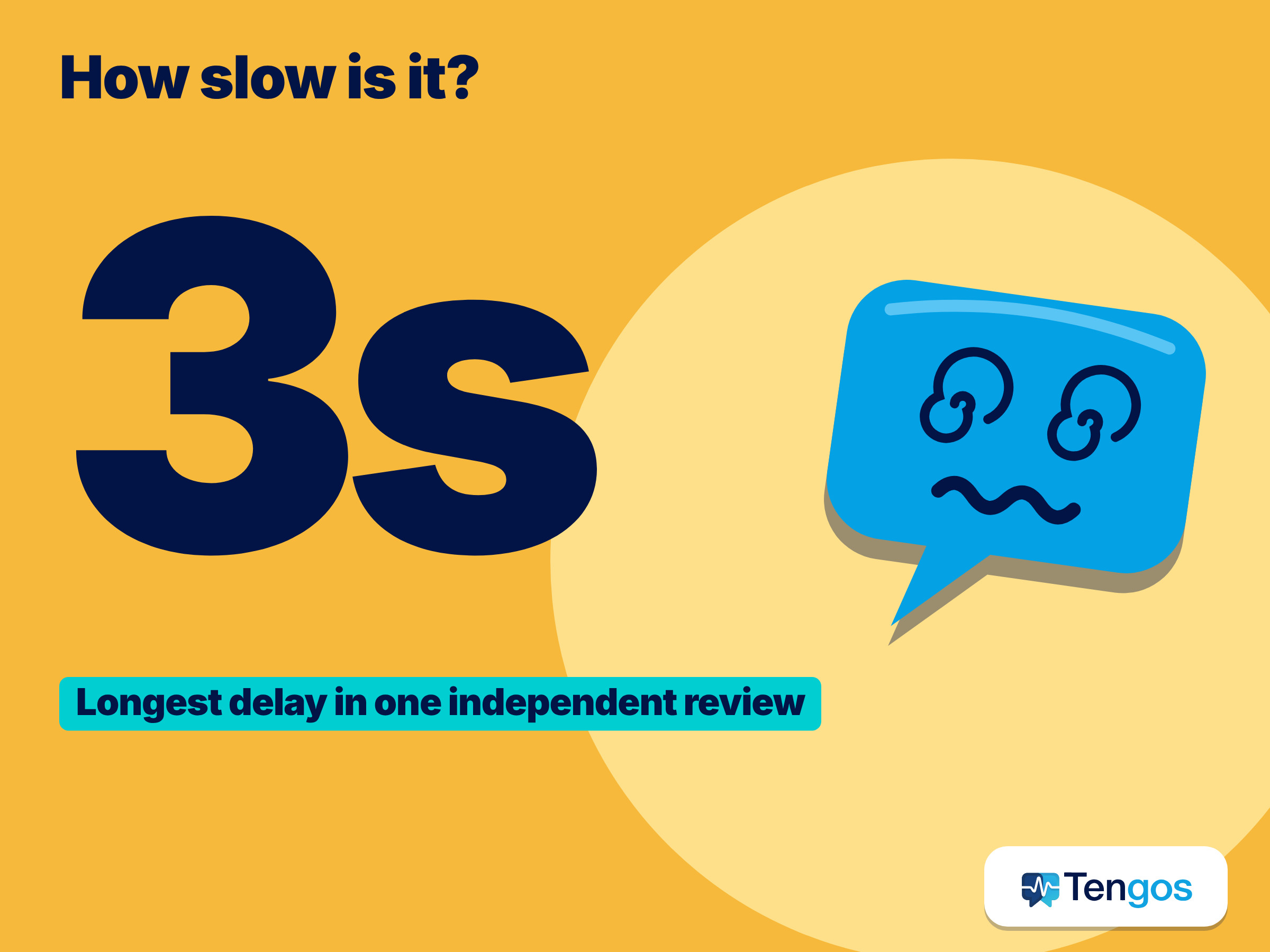
Marketing pages promise near-instant results, so look for independent testing. Notebookcheck’s review of the Timekettle WT2 Edge is a useful reality check. The reviewer found translations very accurate for basic conversation but noticeably less accurate on specialised subjects such as tax planning and medical questions. Translations took up to about 3 seconds, and talking speed was one of the biggest factors in accuracy, so both people had to speak slowly enough for each sentence to be captured.
The review also found that in the mode where both people wear earbuds, each person has to pause after speaking, which felt unnatural, and that the noise reduction was not very effective in a crowded restaurant. These are findings about one product at one point in time, not a verdict on all earbuds, but they are the questions to ask of any pair you are considering: how long is the delay, what happens in noise, and does it handle your topic.
Which is better for travel, work, study or events?
The right choice depends on the situation, not on which technology is newer.
- Short trips and shopping: A free translation app is usually enough. You need to ask for directions, order food and read a menu.
- Long face-to-face conversations: Earbuds can feel more natural if both people are comfortable wearing them and speaking in turns. The Notebookcheck reviewer judged the pair better suited to people who regularly translate long conversations than to travellers who need quick translations.
- Meetings, lectures and webinars: A live transcript with translation is often better, because you can read along, scroll back and keep a record. This is where an app like Tengos fits.
- Noisy places: Text on a screen helps when audio is hard to hear. Earbuds with weak noise reduction may struggle.
- Mixed groups: Apps that share a live translation link can serve many listeners at once, while earbuds usually serve two people. The Tengos pricing page lists group translation for multiple viewers on its plans.
An illustrative example, not a real case: imagine a traveller who joins a 40-minute guided tour in a language she does not speak. Earbuds would let her hear the guide in her own language if the guide’s speech reaches the microphone clearly. A live transcript on her phone would let her read each sentence and scroll back when the guide mentions a name or a time she missed. Which works better depends on the group size, the noise and whether she wants to listen or read.
Do you even need new hardware? What Apple and Google already offer
Before buying, check what you already own. Apple’s support page on Live Translation with AirPods says the feature needs supported AirPods, an iPhone 15 Pro or later, iOS 26 or later and Apple Intelligence turned on, and that translation processing happens on your iPhone. You download the languages you need in Settings. The other person does not need AirPods: you can show them a transcript in the Translate app or play the translation through your iPhone speaker. Apple also warns that output may be inaccurate and that you should check important information. Availability varies by region and language.
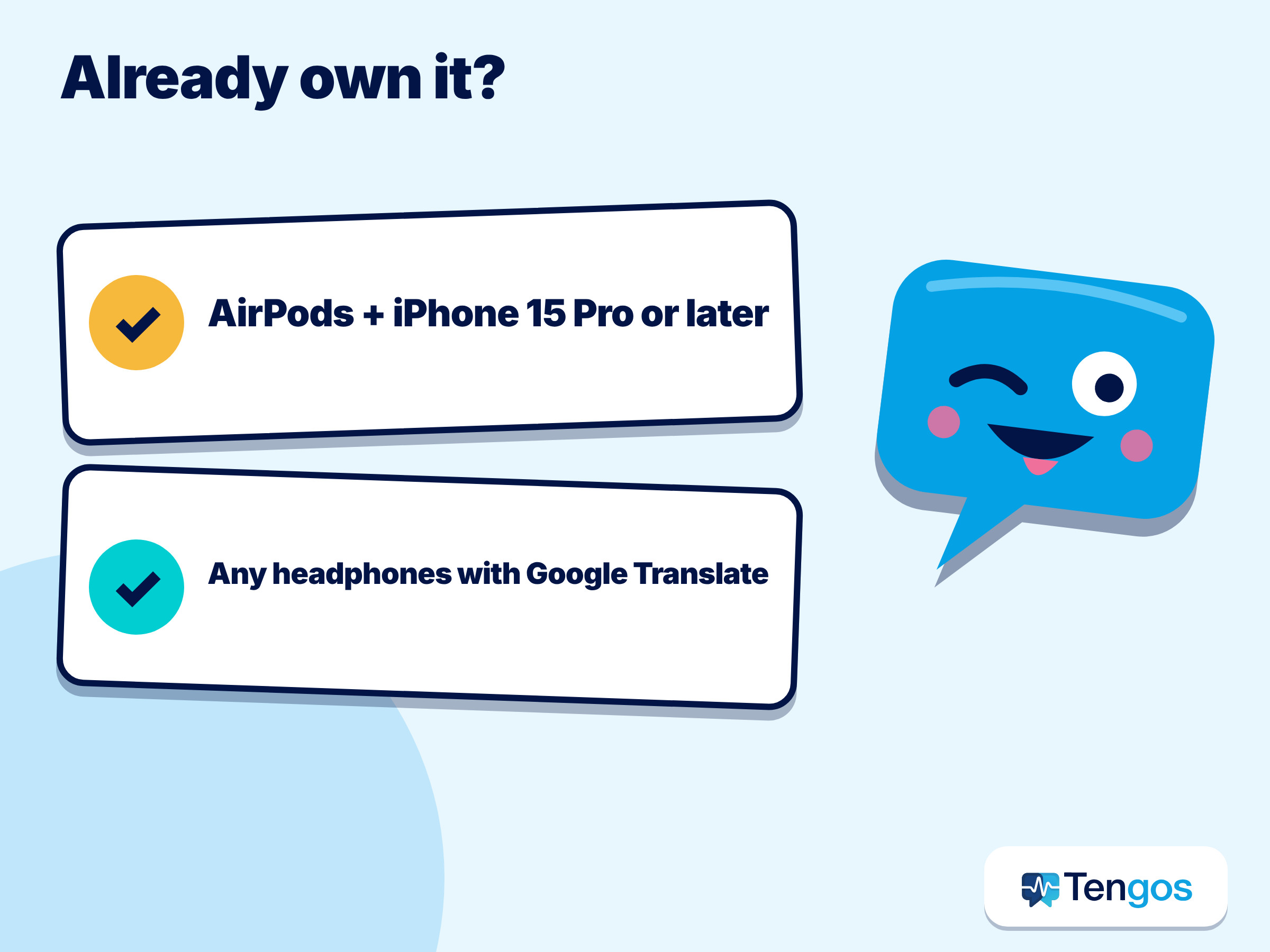
Google took a different route. TechCrunch reported in December 2025 that Google Translate had started a beta that streams a live translation to any pair of headphones on Android, with more than 70 languages. In March 2026, Google said in its announcement that live translate with headphones was arriving on iOS as well and expanding to more countries, including France, Germany, Italy, Japan, Spain, Thailand and the UK. In both cases you open the Translate app, tap Live translate and connect your headphones.
The practical lesson is that earbud-style translation is turning into a software feature. If your current phone and headphones are supported, you may be able to test the experience without buying anything.
What about offline use and battery life?
Offline translation is where hardware and apps both have limits. Timekettle’s FAQs list offline language pairs that vary by model, from 13 pairs on the M3 and W4 Plus to 44 on the T1, and say the packs must be downloaded while online. In the Notebookcheck review, offline translation on the WT2 Edge covered only eight languages and required buying language packs. Google’s help page says offline live translate is limited to certain Pixel phones and 11 language pairs, each with English.
Battery is the other limit. The Timekettle FAQs give battery life ranging from about 2 to 3 hours of continuous use per earbud on the WT2 Edge to over 3 hours on the W4 Plus, and the Notebookcheck reviewer measured as little as 2 hours before recharging on the WT2 Edge. A translation app runs on your phone, so battery life is your phone’s battery life, but a long session will still use it. If you rely on offline or all-day use, check these two specifications first.
How do you test before you buy?
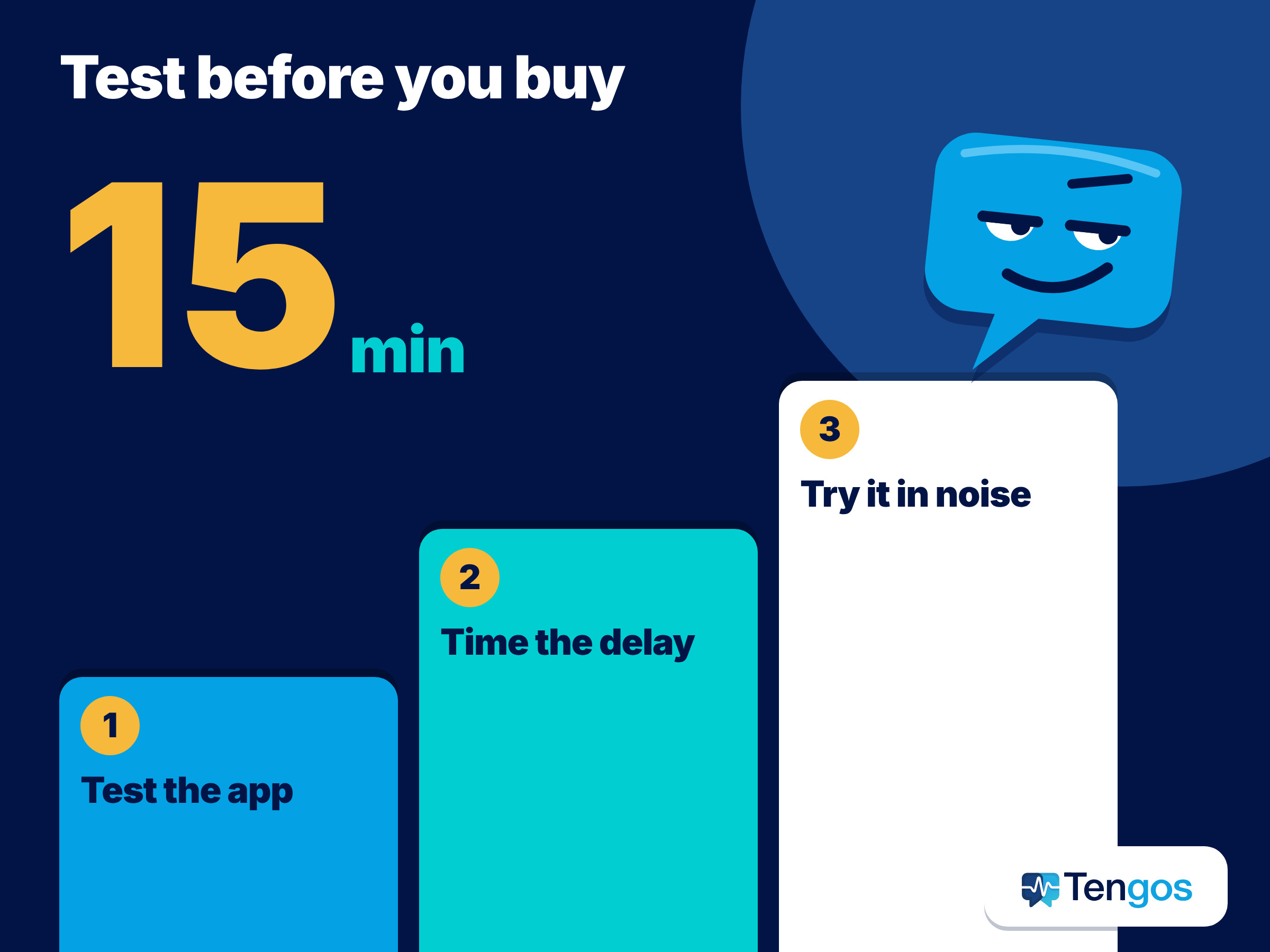
A short test costs nothing and prevents most regrets. Here is a 15-minute routine.
- List your three real situations. For example, a work call, a dinner with in-laws and a trip. Write the languages and the noise level.
- Test the app first. Try Google Translate’s live translate or Apple’s Translate app, and try a live transcript tool such as Tengos on its Free plan. Use a video or a friend, and speak at normal speed.
- Time the delay. Count how long it takes for the translation to appear. If you need a back-and-forth conversation, a delay of several seconds will feel slow.
- Test your topic. Use the words you will actually need: a medical term, a contract clause, a place name.
- Test in noise. Play a cafe video in the background. This is where weak microphones show.
- Check the return policy. If you do buy earbuds, confirm you can return them.
When is a translation app the better choice?
An app is the better first step when you want to try before you spend, when the conversation is long or noisy and you want to read, when you need a transcript or summary afterwards, when several people need to follow the same conversation, or when you already own supported phones and headphones. Tengos adds live bilingual text, group translation for several viewers (see its plan details), export of transcripts and AI meeting summaries, and a Free plan with 120 minutes per month. It will not replace a hands-free earpiece for someone who needs one, and it does not claim to.
Frequently Asked Questions
Are translation earbuds worth it?
They can be, if you regularly hold long conversations in another language and both people are happy to use them. For occasional travel, test a free app first. Independent reviews show that accuracy drops on specialised topics, so do not rely on any device for medical, legal or financial decisions.
Do translation earbuds work without internet?
Some do, with limits. Timekettle lists offline language pairs for certain models and says the packs must be downloaded while online. Offline coverage is smaller than online coverage, and accuracy can be lower.
Do both people need earbuds?
Not always. Apple says the other person does not need AirPods to be understood, because you can show a transcript or play the translation through your iPhone speaker. Some dedicated systems let you share one earbud with the other person.
Can I use any headphones for live translation?
Google says live translate with headphones works with any pair of headphones through the Translate app, in supported countries. Apple’s feature needs supported AirPods.
Is Tengos free to try?
Its pricing page lists a Free plan with 120 minutes per month. Check the page for the latest limits and plans.
Final thoughts
Choose the tool that matches the conversation. Translation earbuds can feel natural for long, two-person talks, while translation apps and live transcripts are cheaper to try and easier to read when the room is loud or the topic is complex. Start with the free option, time the delay, test your own vocabulary, and only then decide whether hardware earns its price. If you want to try the live transcript side first, you can explore Tengos at tengos.ai.
Related reading: Live meeting translation