Multilingual Event Checklist for Organizers: What to Prepare When Guests Don’t Share a Language
Published on Nov 16, 2026
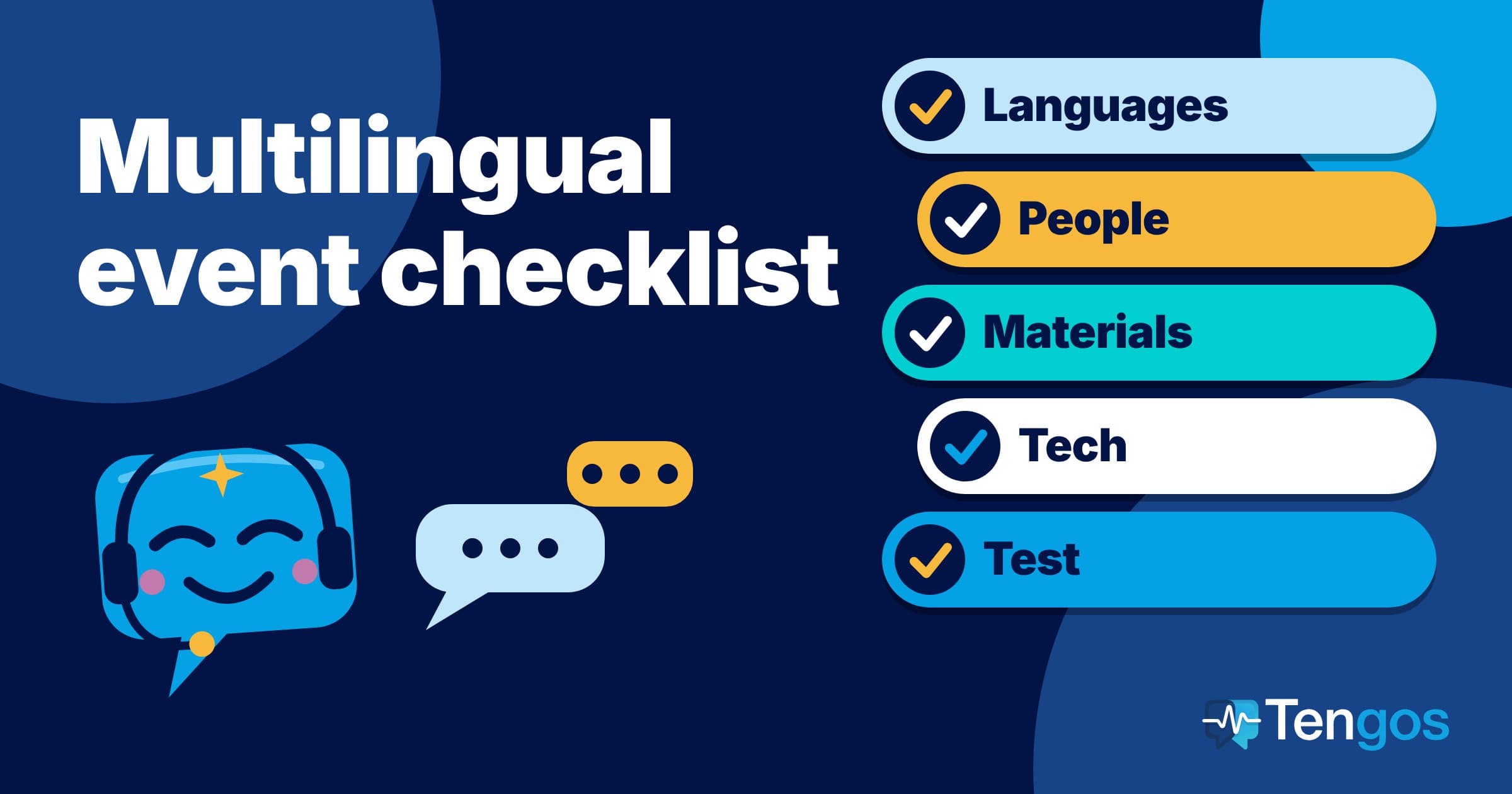
Table of Contents
A multilingual event checklist keeps one simple question in front of you: how will every guest understand the person on stage, and how will the person on stage understand every guest? Most problems at events with mixed languages are planning problems, not technology problems. They show up as a missing interpreter, a slide deck nobody translated or a captions tool nobody tested. This checklist walks through what to decide, who to brief and what to test, from the first language decision to the follow-up after the event.
Key Takeaways
- Start from your guests, not from the tools. Count which languages people actually speak, then decide which ones need live support and which can be served with translated materials and a recording afterwards.
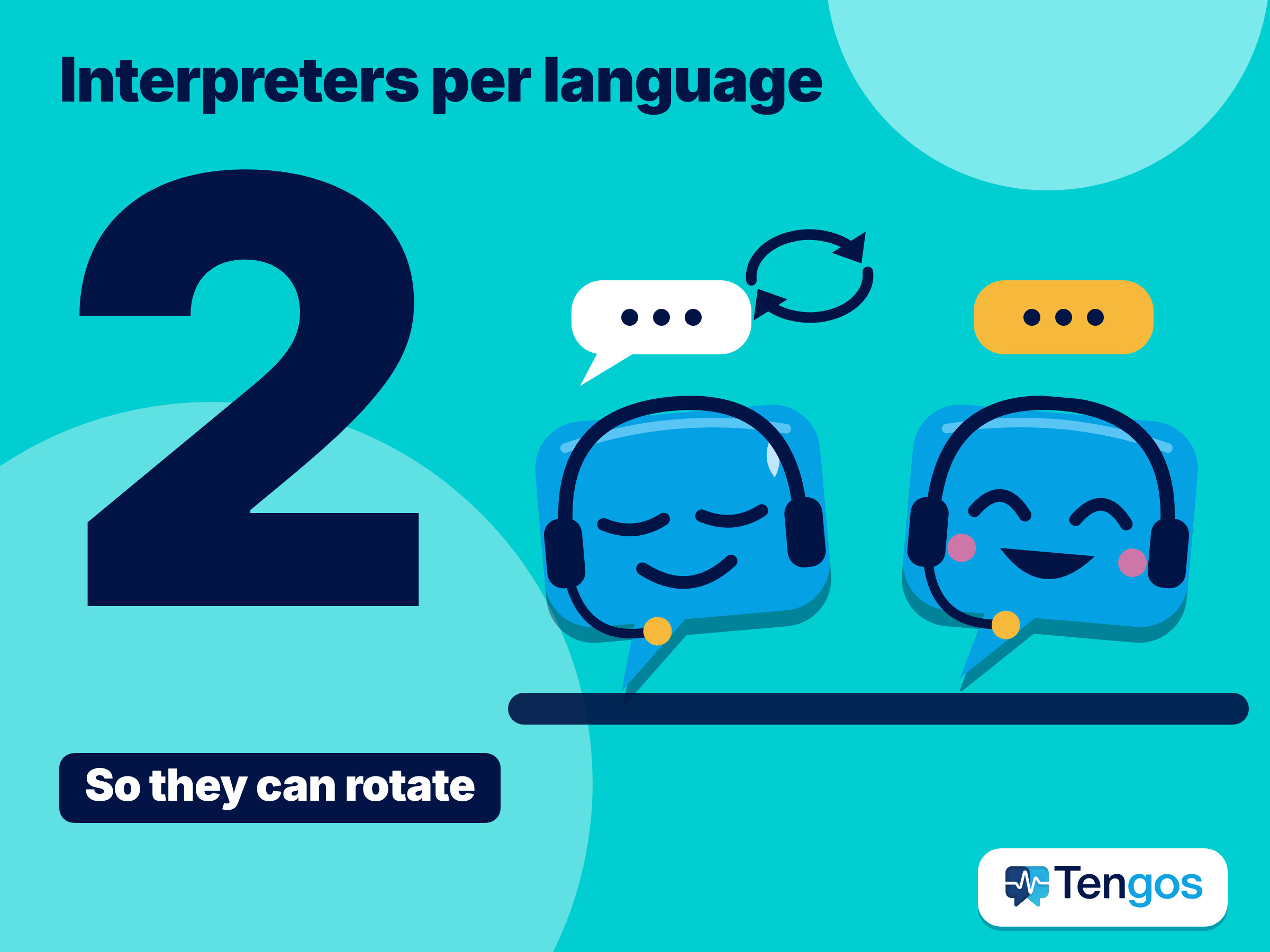
- Professional interpreters remain the standard for high-stakes sessions. AIIC advises booking at least two interpreters per language so they can rotate, and sending papers and slides in advance.
- Live captions and live transcripts with translation are a practical layer for everyone else: breakout rooms, networking, Q&A and attendees who read faster than they listen. They work best when the spoken language is set correctly.
- Write the plan down in one page: languages, channels, owners, a backup for each failure point and a 15-minute test before doors open.
- Tengos has a Free plan with 120 minutes per month, so you can rehearse the live transcript approach on a real session before you commit to it.
What does a multilingual event checklist need to cover?
A good checklist covers five areas, in this order: languages, people, materials, technology and the day itself. The order matters because each area depends on the one before it. You cannot choose equipment until you know how many languages you must support, and you cannot brief interpreters until you have a programme and slides to brief them with.
Think of the event as a chain with one language hand-off at each link. The speaker talks, someone or something renders that speech into another language, and the guest receives it by ear, by screen or on paper. Every link can fail separately, which is why the checklist below gives each link an owner and a backup.
Which languages do you really need to support?
Begin with registration data. Add a question such as “Which language would you like to follow the event in?” to your form, and keep the answers. Even a rough split, such as 60 percent English, 25 percent Spanish and 15 percent Japanese, tells you where live interpretation pays off and where translated handouts are enough. If you have no registration data yet, ask the host organisations or past attendees.
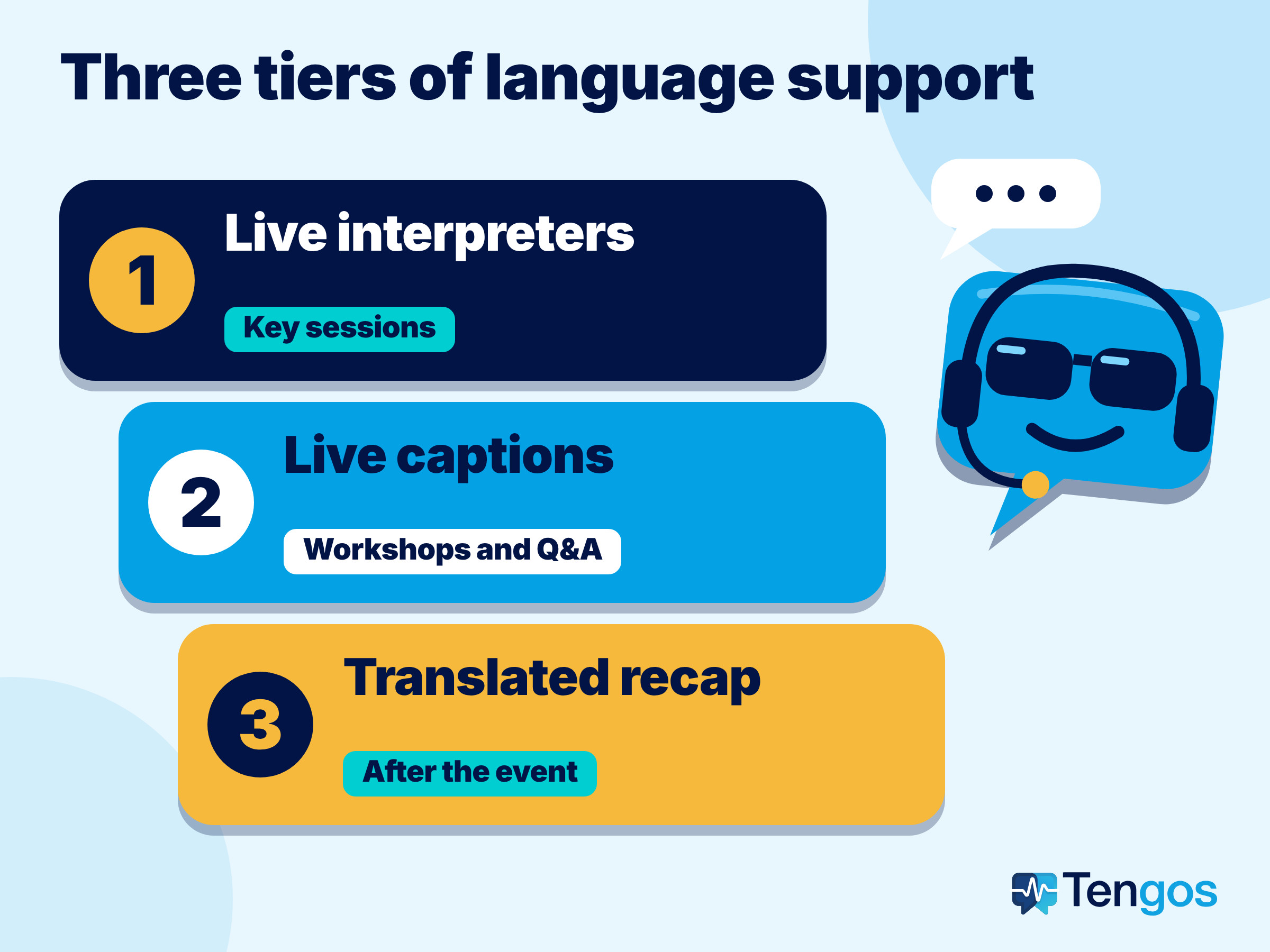
Then sort languages into three tiers:
- Tier 1, live interpretation: languages spoken by many guests or by key guests, such as keynote audiences, VIPs or panels where understanding every nuance matters.
- Tier 2, live captions or transcript: languages spoken by smaller groups, or sessions where a written, searchable record is useful.
- Tier 3, after the event: languages served with a translated recap, slides or a recording with subtitles.
Be honest about trade-offs. Supporting ten languages live with human interpreters needs at least twenty interpreters and ten booths on paper, so most organisers cover two or three languages that way and use captions and transcripts for the rest.
What are the main ways to bridge a language gap at an event?
The right mix depends on audience size, budget and risk. The table below is a general guide; individual vendors and setups vary.
| Method | How it works | Best for | Watch out for |
|---|---|---|---|
| Simultaneous interpreters with booths | Interpreters hear the speaker and speak the translation in real time to headsets | Keynotes, panels, formal sessions, legal or medical content | Cost, booth and equipment, and a team of at least two per language |
| Remote interpreters on a video platform | Interpreters join online and each language gets its own audio channel | Hybrid and virtual events | Connection quality and clear audio routing |
| Live translated captions | Speech is turned into text and shown in another language on screen | Webinars, town halls, accessibility, noisy rooms | Accuracy depends on audio quality and the correct spoken language setting |
| Live transcript with translation on attendees’ phones | Each guest reads the original and their language on their own device | Breakouts, workshops, networking, Q&A | Guests need a phone and a visible screen; keep sentences short |
| Translated materials and recap | Slides, agenda and summary are translated in advance or afterwards | Every event, as a baseline | Needs lead time and a final version of the content |
Most successful events combine two of these. For example, a formal opening with interpreters, and live transcripts for workshops where booking interpreters for every room would not be realistic.
How do you work with professional interpreters?
If your event includes sessions where precision matters, book professionals and treat them as part of the production team. AIIC, the international association of conference interpreters, publishes practical advice for event planners. The AIIC tips for event planners (English page) recommend booking at least two interpreters per language so they can alternate, sending conference papers and background information early, giving interpreters the scripts or slides for any video together with a direct audio feed, and appointing one liaison contact for the team.
The same page suggests one soundproof booth per output language and equipment that meets ISO standards, tested by the team leader and a sound engineer before the meeting. The standard for the equipment itself is ISO 20109, which sets requirements for simultaneous interpreting equipment, and its 2025 edition was published on 27 May 2025.
Practical steps for this part of the checklist:
- Confirm the number of languages and sessions, then ask the interpreters’ team leader to size the team.
- Send the programme, speaker list, slides and any glossary at least a few days before the event.
- Brief speakers: speak at a steady pace, avoid long jokes that depend on wordplay and share scripts if you will read aloud.
- Schedule breaks so interpreters can rest and rotate.
- Test every microphone, channel and receiver during the technical check, not at the opening.
How do you use video platforms for interpretation and captions?
For virtual and hybrid events, your meeting platform may already include what you need. The details change, so check the vendor’s page for your plan before you commit.
Zoom’s help page on language interpretation says the host can designate up to 200 participants as interpreters, each language gets its own audio channel and, in webinars, interpreters are automatically made panelists. It also says you need a Pro, Business, Education or Enterprise account with the feature enabled. Zoom separately documents translated captions for meetings.
Google lists plan limits for translated captions too. Its Google Meet help page says translated captions are available on certain Workspace editions and that you can translate captions to or from 69 languages. Microsoft’s Teams live captions page says live translated captions are part of Teams Premium and Microsoft Copilot, and that for town halls and live events organisers preselect the caption languages, six by default or ten with Premium. It also notes that setting the meeting spoken language to the language people are really speaking produces more accurate captions.
Two lessons follow. First, check licences and plan names before the event, because translated captions are often tied to specific tiers. Second, set the spoken language on purpose; it is one of the cheapest accuracy improvements you have.
Where do live transcripts and translation fit in?
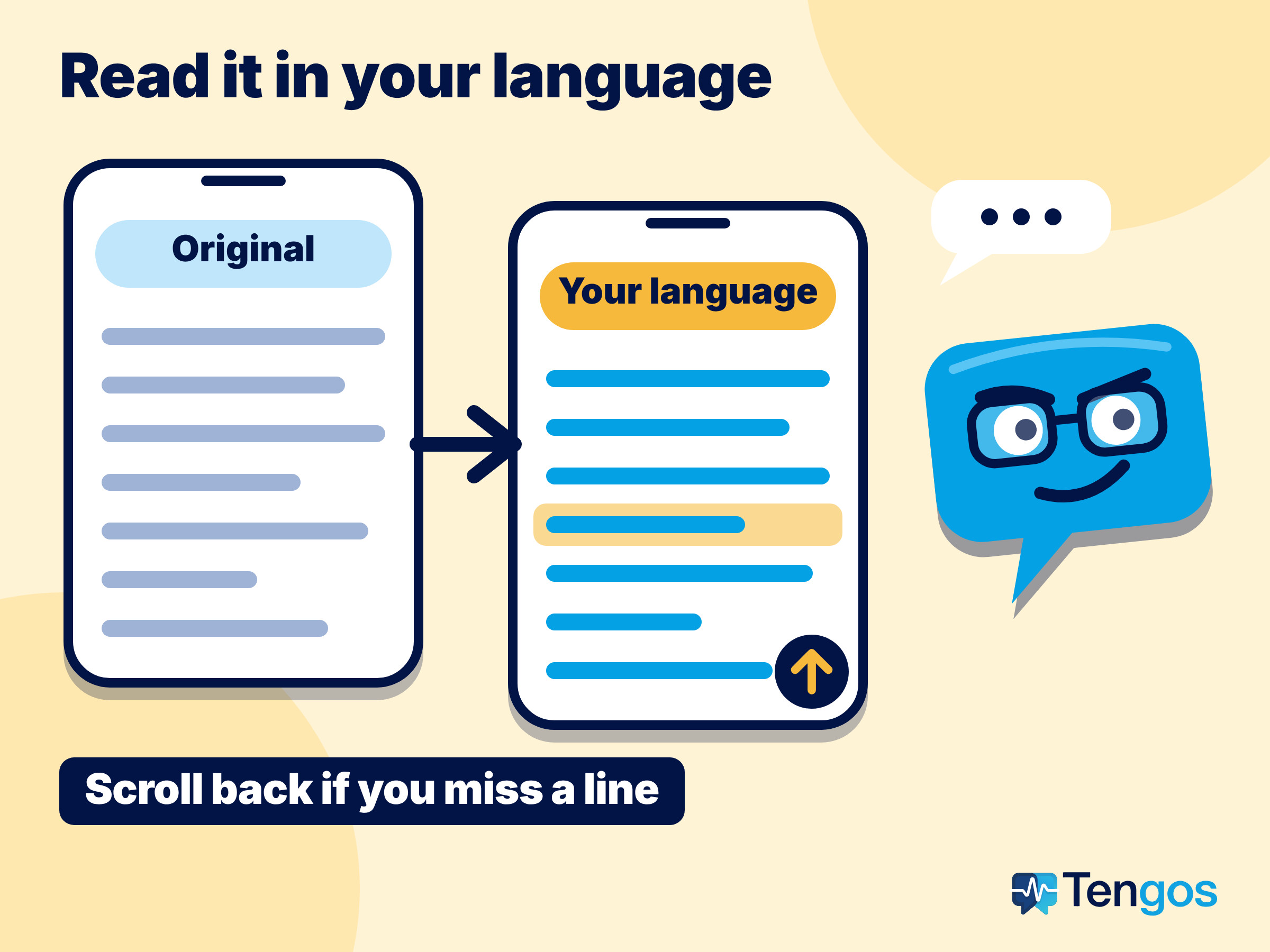
Captions on a big screen serve the whole room at once, but they cannot give each guest their own language. A live transcript with translation on each guest’s phone can. Tengos works this way: it transcribes speech and shows the translation live, across 60 languages, so a guest can follow a session in their own language and scroll back if they miss a sentence. According to the Tengos pricing page, the plans include group share via link, multi-language meetings, speaker identification, AI Meeting Summary and transcript export, and the Free plan includes 120 minutes per month at up to 15 minutes per recording. Starter lets up to 10 viewers join a session, so check the viewer limit of your plan against the number of guests you expect.
This layer suits breakout rooms, workshops, networking tables and Q&A. It is a help, not a replacement for professional interpreters in formal or high-stakes sessions: machine translation can make mistakes with names, numbers and specialist terms, so ask speakers to repeat key figures and put them on the slide. The mobile app is available on the App Store and Google Play.
How should you prepare materials and speakers?
Languages are won or lost before the event. Prepare in this order:
- Agenda, signage and registration pages in each supported language, with the same session names everywhere so guests can match them.
- Slides with fewer words per slide. Short slides translate better, and they make live captions easier to follow.
- A one-page glossary of product names, acronyms and terms that must not change. Share it with interpreters and, if your tool supports custom terms, add them there.
- Speaker guidance: one idea per sentence, no rapid-fire delivery, spell out names and numbers, and avoid idioms.
- Accessibility: the W3C explains in Understanding Success Criterion 1.2.4 that live audio in synchronized media should have captions, so people who are deaf or hard of hearing can follow real-time presentations. Captions that you add for language reasons often serve this purpose too, but check that they meet your accessibility requirements.
A short illustrative example, not a real case: imagine a two-day product workshop with guests speaking English, Spanish and Japanese. The organiser books two interpreters for the Spanish keynote, runs live transcripts for the workshop rooms and sends a translated recap in all three languages on day three. The cost goes where precision matters, and the rest is covered with lighter tools.
What is the 15-minute test before doors open?
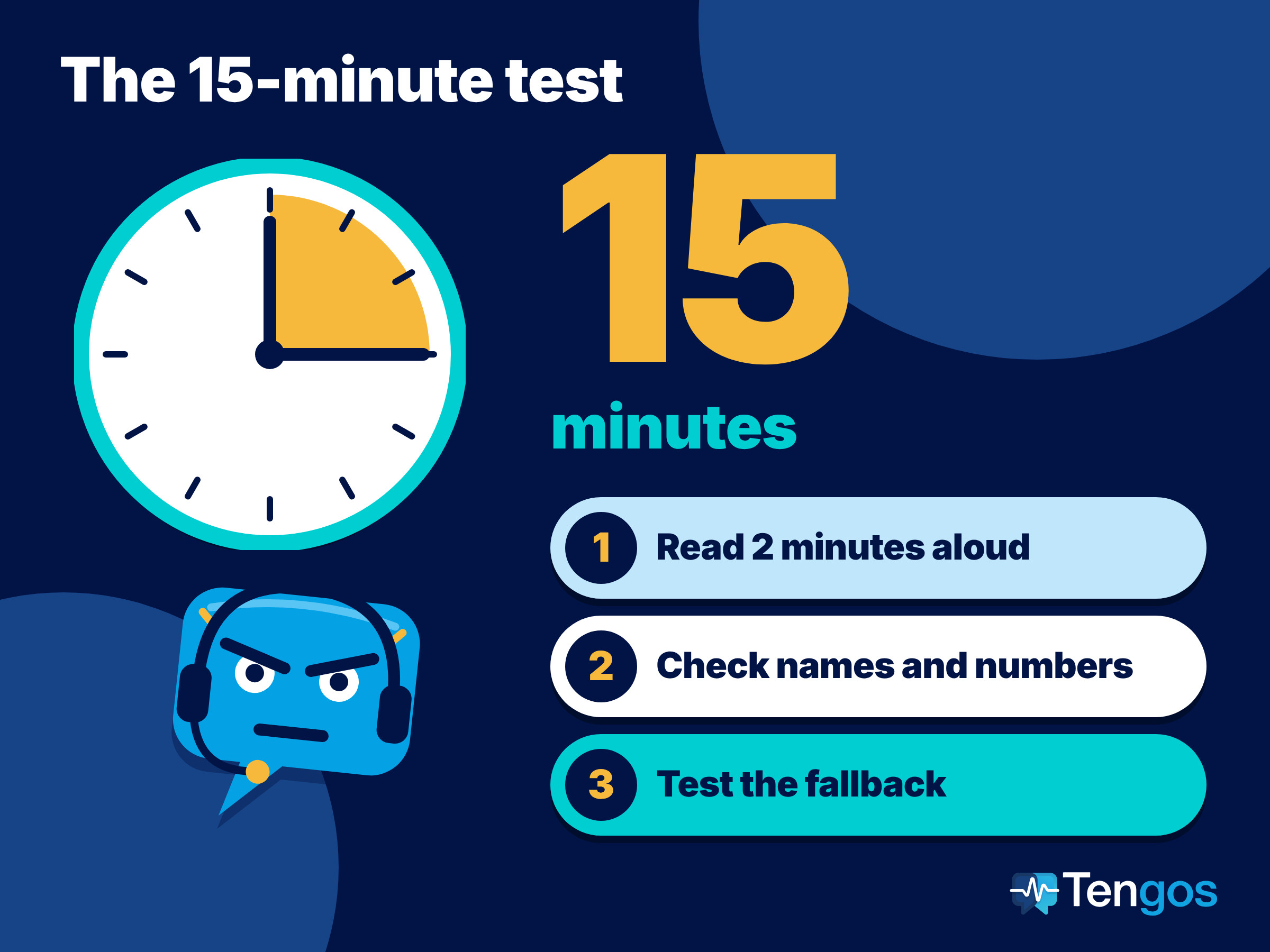
Run this test in the real room, with the real microphones, 60 to 90 minutes before the first session:
- Have a speaker read a two-minute passage at normal pace and check the interpreter feed or captions in each language.
- Walk to the back of the room and the corners and listen to the audio channel on a receiver or phone.
- Read out a name, a price and a date, and check they appear correctly in every language.
- Add noise: open a door, start the coffee machine, or ask someone to speak from a distance.
- Confirm the fallback: if the interpreter channel fails, who announces it, and where do guests switch to captions or the transcript?
- Check the language settings: spoken language in the captions tool, channel names in the platform, and the share link for the live transcript.
What happens after the event?
Your multilingual work does not end at the closing remarks. Send a recap in each language within a few days while the event is fresh. Share the recording with translated subtitles or the transcript where guests asked for it, and use the transcript to build a short summary and an FAQ. Ask guests which language support helped most, because that answer shapes the next language plan. Keep the glossary, the interpreter briefing and your one-page plan, so the next event starts from a template and not from a blank page.
FAQ
How many interpreters do I need per language?
AIIC’s advice for event planners is to book at least two interpreters per language so they can rotate. Your team leader or consultant interpreter can help size the team for your programme.
Do live captions replace interpreters?
For casual sessions, workshops and networking they can be enough. For formal, legal, medical or other high-stakes content, interpreters remain the safer choice, and machine translation should be treated as a helper whose output needs checking.
What should I translate first if my budget is small?
Start with the registration page, agenda, signage and a short recap, then add live support for the language group that is largest or most important to you. Use free or low-cost live transcripts for the remaining sessions.
Can guests join a live transcript without installing anything complicated?
It depends on the tool. With Tengos, you share a link, and the plan you choose sets the viewer limit, so check your plan before the event.
How early should I start planning?
Start as soon as you know the programme. Interpreters and equipment need lead time, and translated materials depend on final slides, so decide your language tiers first and book the rest around them.
Ready to rehearse your multilingual event?
Run your next session through Tengos before you rely on it. Start with the Free plan, record a rehearsal, and check how names, numbers and terms appear in each language. Get the app from the App Store or Google Play, or see the plans on the Tengos pricing page. Whatever mix you choose, keep your multilingual event checklist short, owned and tested.
Related reading: Live meeting translation