Travelling Abroad for Year-End or Lunar New Year: A Travel Translator App Plan for Taxis, Hotels and Restaurants
Published on Nov 20, 2026

Table of Contents
If you are heading abroad for the year-end holidays or Lunar New Year 2027 and you do not share a language with the people you will deal with, the plan is simple: prepare offline tools before you fly, keep key phrases and addresses ready in the local script, and use a travel translator app for live conversations at the taxi rank, the hotel desk and the restaurant table. This guide walks through each of those three moments, what Google and Apple actually say their translation apps can do, and how a transcript on your phone helps when a fast sentence goes past.
Key Takeaways
- Lunar New Year 2027 falls on Saturday 6 February (Year of the Goat), according to Royal Museums Greenwich, so bookings and queues around that date tend to be busy. Plan early.
- Download your languages and maps before you leave. Google Translate and Google Maps both support offline downloads, with limits that are worth knowing.
- Write the destination in the local script. Japan’s national tourism organisation suggests having your destination written in Japanese, especially away from major sights.
- A phone screen beats pointing and hoping. Show the address, the booking name or the dish, then confirm the answer.
- Use a travel translator app for real conversations, and check names, numbers and prices yourself.
- Keep a record. A transcript of what a hotel clerk or driver said is easy to re-read and to show someone else.
- Tengos supports 60+ languages on iOS and Android, and its Free plan gives 120 minutes per month to try it before you travel.
Why does a trip at year-end or Lunar New Year need extra language planning?
Because it is the busiest time of year in many places, and busy people talk fast. Lunar New Year 2027 is on Saturday 6 February, according to Royal Museums Greenwich, which lists 2027 as the Year of the Goat. Travel around that date, and around the end of December, means full hotels, long taxi queues and restaurants where staff have little time to repeat themselves.
That pressure changes what kind of language help works. A phrasebook is fine for “thank you” but breaks down when the receptionist asks a follow-up question you did not rehearse. What you want is a small system: a few things prepared in advance, a tool you can use mid-conversation, and a way to look back at what was said.
What should you set up before you leave?
Set up your travel translator app and the tools around it while you still have reliable Wi-Fi at home. Three things take about half an hour in total.
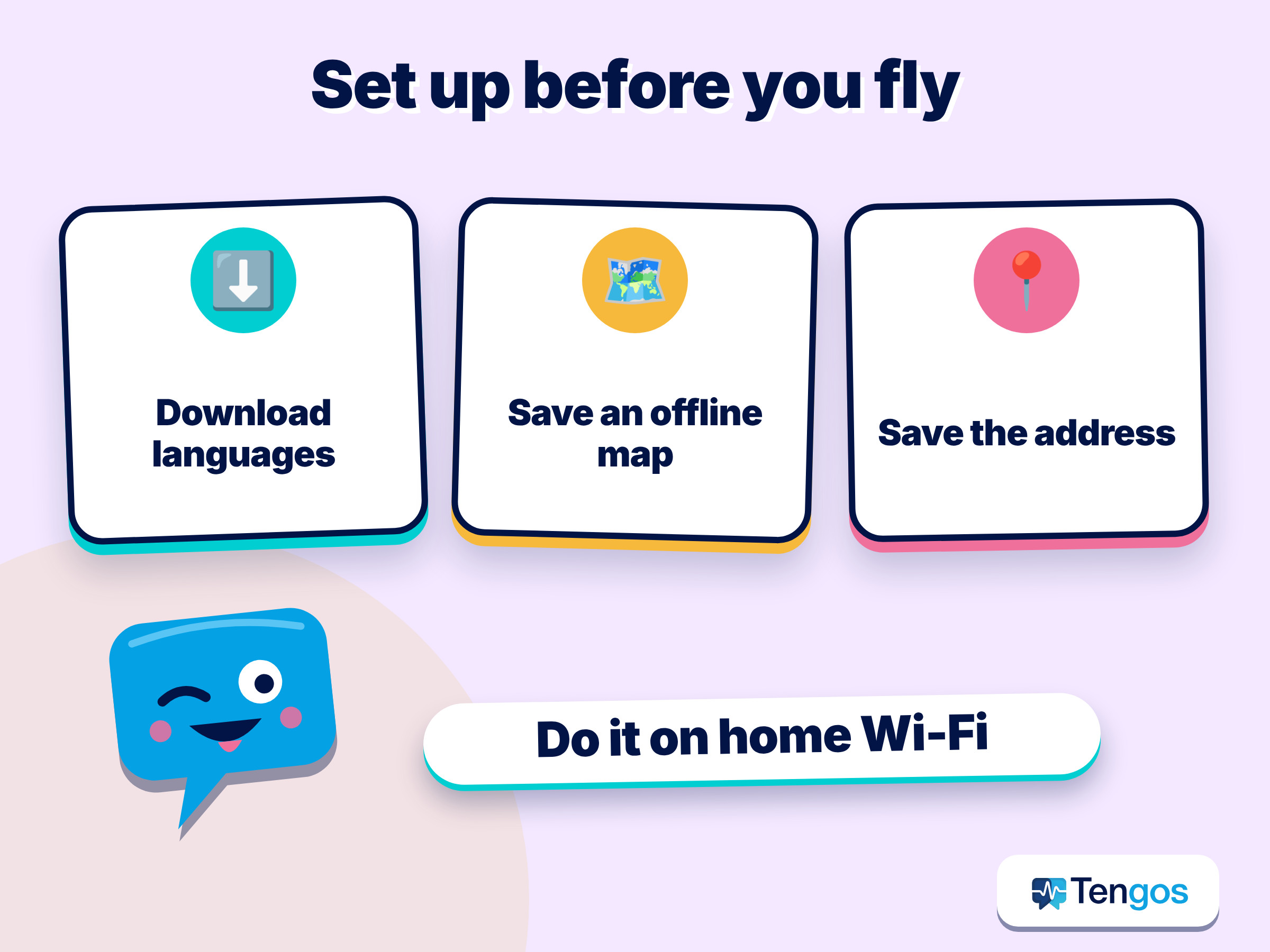
- Download languages for offline use. On Android, the Google Translate help page on offline languages says to connect to Wi-Fi, open the app, choose the language and tap Download. It notes that if a language is not on the list, it cannot be downloaded, and that downloading over mobile data may affect your carrier charges. It also says camera translation can work offline for downloaded languages on its list.
- Download an offline map of the city. The Google Maps help page explains how to save an area. It also lists limits: offline maps cannot be downloaded in some countries or regions, transit, bicycling and walking directions are not available offline, and driving directions have no traffic information. The maps must be updated before they expire.
- Save the addresses you need. Copy your hotel’s name and address, in the local script if you can, into a notes app or screenshot. Add the booking name and confirmation number.
If you use an iPhone, Apple’s free Translate app lists a Conversation tab, a camera view for text, and an on-device mode for languages you have downloaded. Its listing shows 30 languages in total, so check that yours is included before you rely on it.
| Prepare this | Why it helps | Where to check |
|---|---|---|
| Offline translation languages | Works when roaming is off or signal drops | Google Translate help, Apple Translate listing |
| Offline map of the city | Lets you show a driver or clerk where you are going | Google Maps help |
| Address and booking name in text form | Paste or show it instead of spelling it out | Your notes app |
| Phone charger and power bank | A dead phone is the biggest risk to every other tool | Your bag |
How do you handle a taxi when you do not share a language?
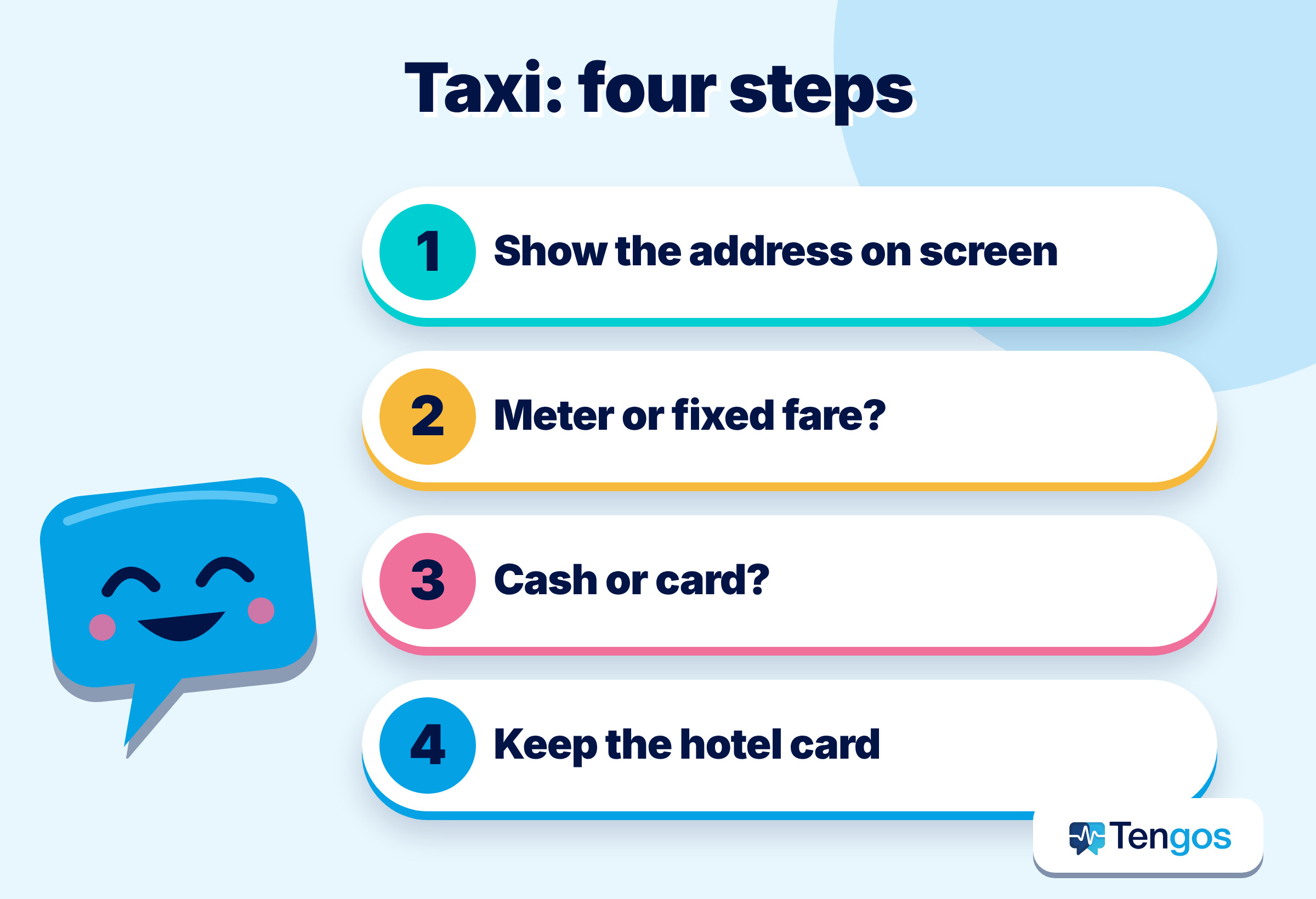
Show the destination instead of describing it, and confirm the price method before you set off. A taxi ride is short, so the goal is a clear destination and no surprises when you pay.
Japan is a useful example because its official tourism site is specific. The Japan National Tourism Organization’s taxi guide says doors open and close automatically, so you should not handle them yourself. It says a red sign means a taxi is available and green means occupied. It also recommends having your destination written in Japanese, particularly if it is not a major sightseeing spot or hotel. Credit cards are generally accepted in major city taxis, while cash may be your only option in the countryside. The guide adds that a late-night surcharge applies from 10 p.m. to 5 a.m., and that drivers do not expect or accept tips. Other countries differ, so look up the local rules before you go.
A short routine works almost anywhere, with or without a travel translator app:
- Show the address on your phone, in the local script, with the map open.
- Ask in the local language, or through your travel translator app, whether the ride is by meter or a fixed fare.
- Confirm how you will pay, cash or card, before the car moves.
- Keep the hotel’s business card or a screenshot for the way back.
An illustration: you land late, your hotel is on a side street, and the driver asks a question you do not catch. Instead of nodding, you open live translation, let the driver speak into the phone, and read the answer on screen. It might be “Do you want the highway?” That is a decision you should make, not one to guess.
How do you check in at a hotel without a shared language?
Lead with your booking name and dates, then use text for the details that matter. The reception desk is where small misunderstandings become expensive: a wrong room type, a deposit you did not expect, or a breakfast time you missed.
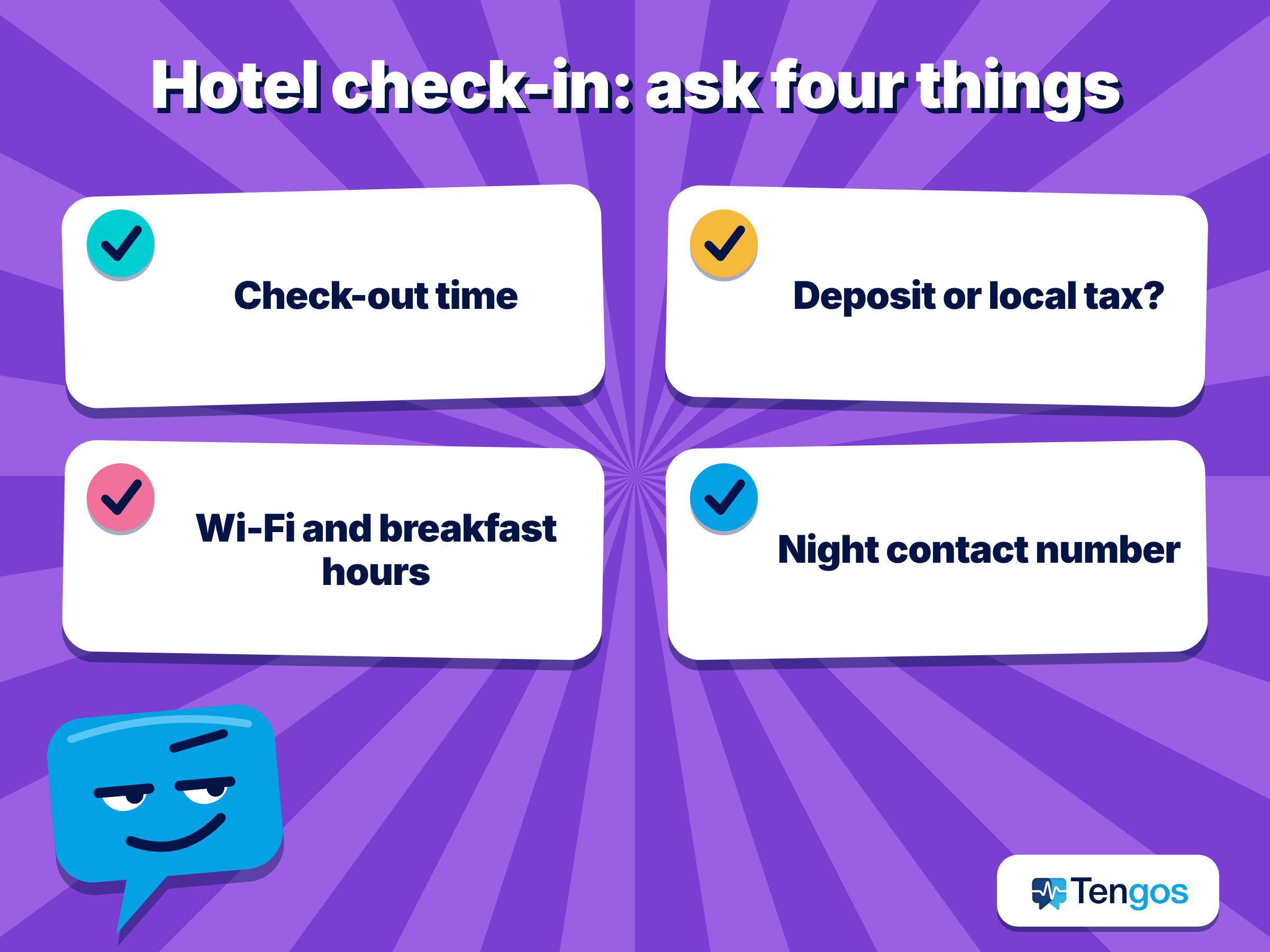
Before you arrive, send the hotel a short message in simple English or the local language with your arrival time. This is especially useful for late arrivals during busy holiday weeks. At the desk, hand over your passport and booking confirmation, and ask about four things:
- the check-out time and the last day of your booking,
- whether any deposit or local tax is payable on arrival,
- the Wi-Fi password and breakfast hours,
- who to call if something goes wrong at night, and how to reach them.
If the clerk answers fast, ask them to type the key points into a translator or write them down, and take a photo. A written answer beats a remembered one, and you can show it to a travelling companion later.
How do you order in a restaurant when you cannot read the menu?
Use the camera for the menu and the conversation for the details that the menu does not cover. A travel translator app with a camera view helps you understand dishes, and conversation helps you ask what is in them.
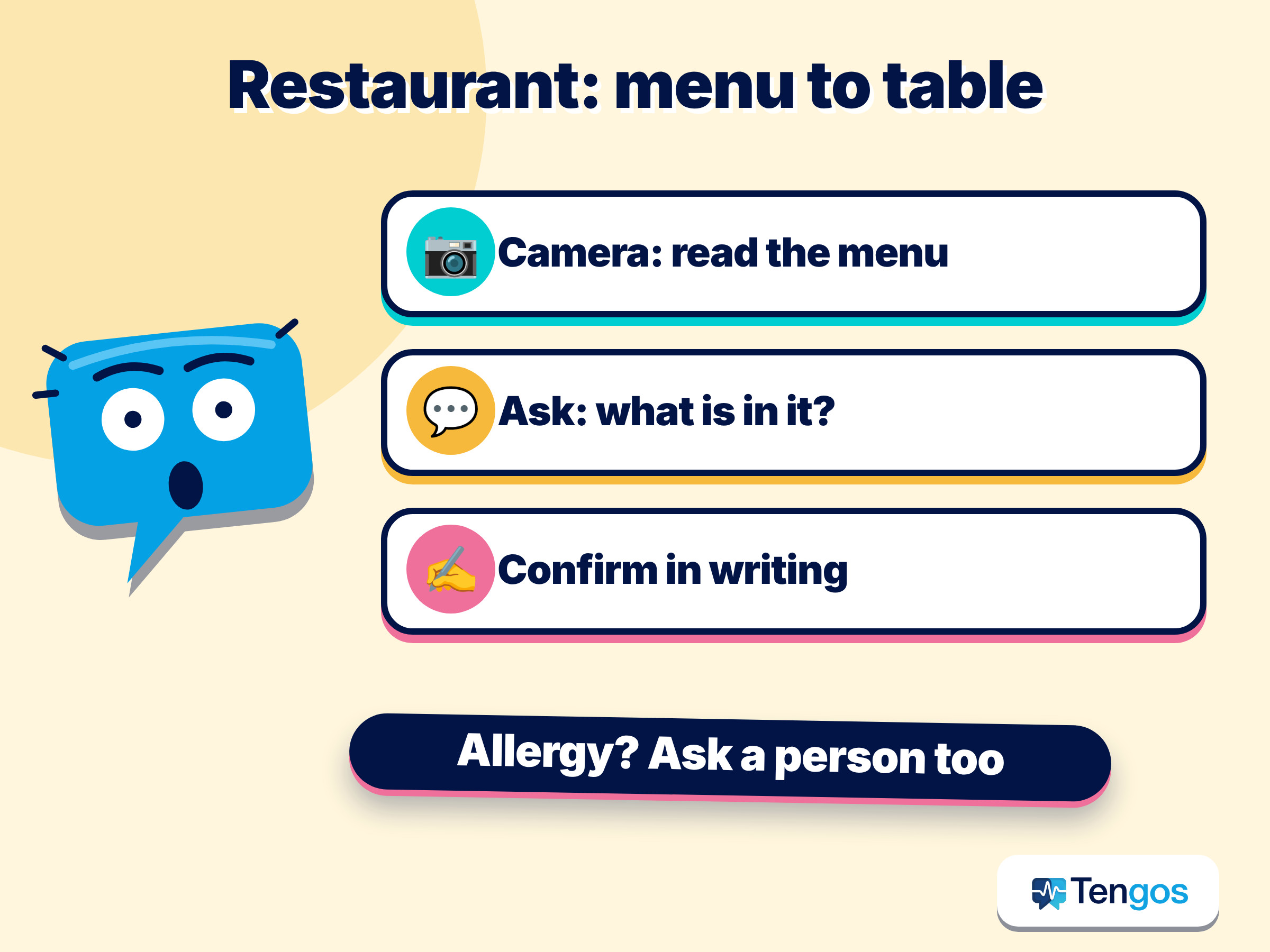
On Android, Google says in its Translate app guide that the app translates text, handwriting, photos and speech in over 200 languages, and that leaving “Translate offline” checked downloads both languages for offline use. Apple’s Translate app lists a camera view that translates text in real time.
When you cannot eat something, such as a food you avoid for personal, religious or health reasons, say so before ordering and ask the staff to confirm in writing or by showing you the answer on your screen. Do not treat a machine translation as a guarantee about ingredients. If the stakes are high, such as a serious allergy, a human who can read the label or speak with the kitchen is the safer check.
A short list of phrases worth saving in your notes, in the local language:
- “Is this dish spicy, and does it contain [ingredient]?”
- “Can I have the bill, please?”
- “Is service charge included?”
- “Can you write that down for me?”
What does a live conversation tool actually do?
A good travel translator app listens to one person, translates, and shows or plays the result, so a two-way exchange can continue. Google’s help page on live translate describes three modes: Listening, Conversation and Text only. In Conversation, translations are played aloud on the phone speakers or headphones and speakers take turns, with the microphone detecting when one language stops and the other starts. It also notes that offline language downloads for live translate are currently available only on certain Pixel phones, and covers 11 language pairs with English.
Apple’s listing describes a Conversation tab, where you tap the microphone and the transcription appears in chat bubbles, plus an on-device mode for downloaded languages. It also describes Live Translation with AirPods, which requires an iPhone running iOS 26 and AirPods 4 (ANC) or AirPods Pro 2 and later, with a shorter list of languages.
The takeaway is practical: features of any travel translator app vary by phone, region and language pair, so test the exact language you need at home. Do not discover on the platform that your language is not supported offline.
When does a transcript help more than a translation?
When the information is long, fast or important enough that you want to read it again. A translated sentence disappears. A transcript stays, which is why people who join calls in a second language often rely on one. On a trip, the same logic applies to a hotel clerk explaining a deposit, a guide describing a meeting point, or a driver explaining a route change.
Tengos is built around that idea. It is an AI app that provides real-time transcription and translation in 60+ languages and AI summaries, on iOS and Android. For a traveller, that makes it a travel translator app you can use to let a conversation run, read it in your own language, and keep the transcript to check names, numbers and times afterwards. Tengos has a Free plan with 120 minutes per month, so you can try it on a short conversation before your trip. You can get it for iPhone and iPad on the App Store or for Android on Google Play.
For longer conversations, such as a tour briefing or a business dinner, the same approach applies as in a meeting. Our guide on keeping up when someone talks too fast with live captions covers how to ask for a slower pace and how to review a transcript afterwards.
What is a simple day-by-day plan for the trip?
Build your travel translator app routine around the three moments that cause the most stress, and rehearse each once before you leave.
| Moment | Before the trip | On the spot |
|---|---|---|
| Airport to hotel (taxi) | Save the address in local script, download the offline map | Show the screen, confirm meter or fixed fare, confirm payment |
| Hotel check-in | Message arrival time, save booking name | Ask about deposit, check-out time and night contact, photograph written answers |
| Restaurant | Save four key phrases, download the translation language | Use the camera for the menu, use conversation for questions, confirm in writing |
| Anything unexpected | Know your embassy or insurer’s contact | Use live translation, keep the transcript |
What mistakes should you avoid?
Most problems come from over-trusting a single tool. A few habits keep them small:
- Do not rely on one travel translator app. Keep a second translator installed in case the first lacks your language or goes offline.
- Do not skip the test. Try your chosen app with a friend before departure, using the language pair you will need.
- Do not forget the battery. Translation, maps and cameras drain a phone quickly. Carry a power bank.
- Do not accept numbers without checking. Read prices, times and room numbers back, and ask for them in writing.
- Do not assume manners are the same. Tipping, bargaining and queuing rules differ. For example, JNTO says taxi drivers in Japan do not expect or accept tips.
Related: Live captions with translation for foreign livestreams and webinars
FAQ
Which travel translator app is best?
The best travel translator app depends on your phone and language pair. Google Translate, Apple’s Translate and Tengos each take a different approach, so the best choice is the one that supports your language and works the way you prefer. Test two of them at home before you leave.
Can I use a travel translator app without internet?
Sometimes. Google Translate and Apple’s Translate both support downloading languages for offline use, but not every language can be downloaded, and live translate offline is limited to certain phones and language pairs. Check the language list for your pair.
When is Lunar New Year 2027?
Saturday 6 February 2027, in the Year of the Goat, according to Royal Museums Greenwich.
Is it safe to trust a translation about allergies or medical needs?
Treat it as a help, not a guarantee. For allergies or health needs, ask a person who can read the label or speak to the kitchen, and carry written information in the local language.
How do I try Tengos before a trip?
Install the Tengos app and use the Free plan, which includes 120 minutes per month. Run a short conversation in your travel language pair and read the transcript afterwards to see how it handles names and numbers.